504 Gateway Timeout504
HTTP 504 Gateway Timeout means a reverse proxy or load balancer (Nginx, Apache, Cloudflare, AWS ALB) waited for a response from the upstream application server but the upstream took too long and the proxy's timeout was reached. The difference from 502: with 502, the upstream responded but with something invalid; with 504, the upstream did not respond at all within the time limit. The upstream may be stuck processing a slow database query, waiting on an external API that is not responding, running a computationally expensive operation, or may be completely unreachable due to a network issue. The fix is either to make the upstream faster, increase the proxy timeout, or fix the network issue preventing the proxy from reaching the upstream.
What HTTP 504 Looks Like in a Browser
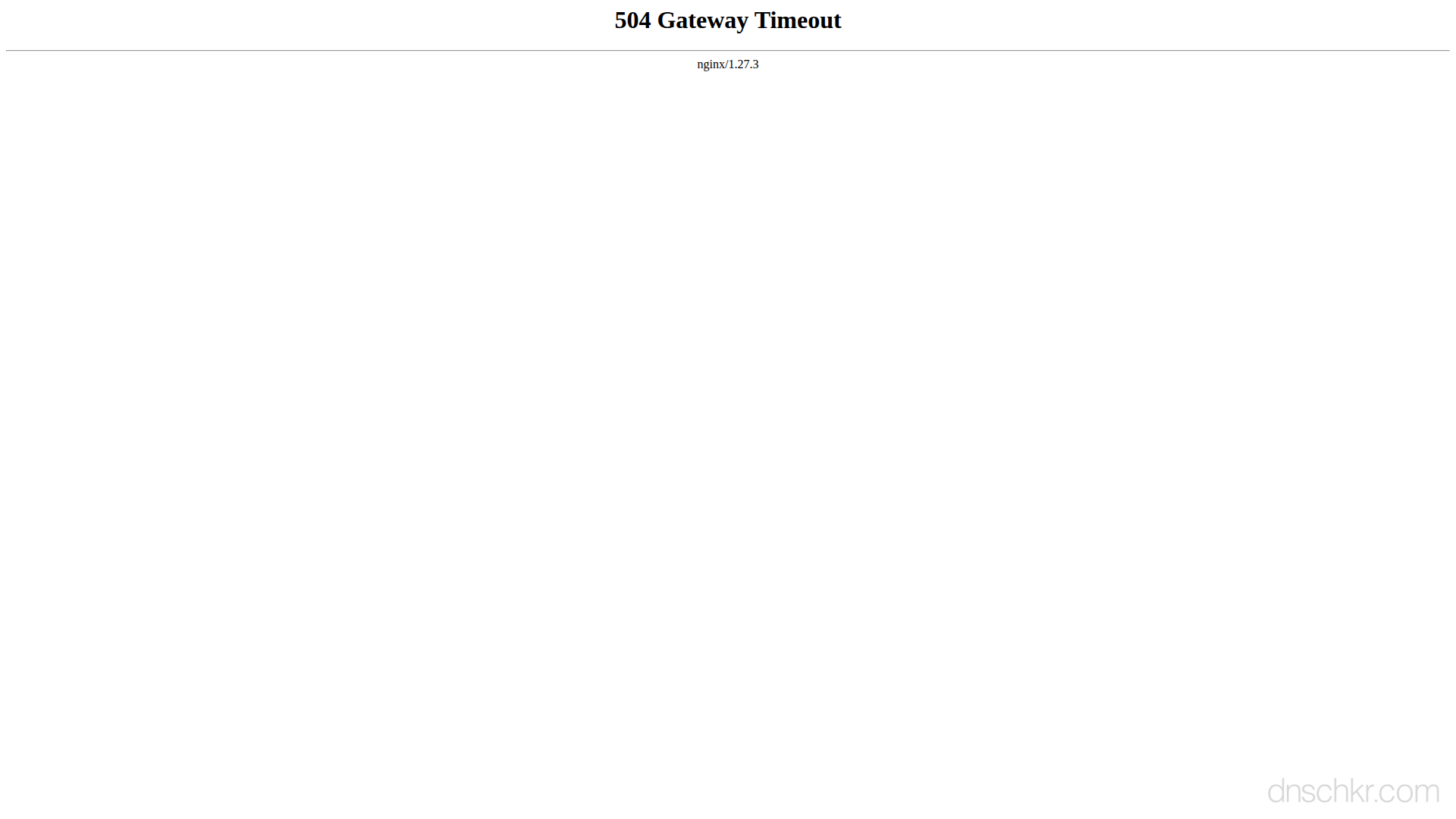
Status
504 Gateway TimeoutExample
Request
GET /results HTTP/1.1
Host: www.example.com
User-Agent: Mozilla/5.0
Accept: text/html
Response
HTTP/1.1 504 Gateway Timeout
Content-Type: text/html; charset=utf-8
Server: nginx/1.24.0
Content-Length: 197

<!doctype html>
<html lang="en">
<head>
  <title>504 Gateway Timeout</title>
</head>
<body>
  <h1>Gateway Timeout</h1>
  <p>The server took too long to respond. Please try refreshing the page or come back in a moment.</p>
</body>
</html>
How to Troubleshoot
1
Check the proxy error log for the specific timeout type
The proxy error log tells you exactly which timeout was hit, connect timeout (cannot reach the upstream), read timeout (upstream is reachable but too slow), or send timeout (cannot send the request to the upstream). This determines whether the problem is network connectivity, slow application processing, or something else entirely.
# Nginx error log, look for timeout messages:
tail -50 /var/log/nginx/error.log | grep -i 'timeout\|504\|upstream'
# Common messages:
# 'upstream timed out (110: Connection timed out) while reading response header'
# 'upstream timed out (110: Connection timed out) while connecting to upstream'
2
Identify and optimize slow database queries
If the upstream is slow because of a database query, find and fix the slow query. Enable the slow query log to capture queries that exceed a threshold. Use EXPLAIN to analyze query plans and add missing indexes. Consider caching frequently accessed data.
# MySQL, enable slow query log and check it:
mysql -e "SET GLOBAL slow_query_log = 'ON'; SET GLOBAL long_query_time = 1;"
tail -50 /var/log/mysql/mysql-slow.log
# PostgreSQL, find slow queries:
psql -c "SELECT pid, now() - query_start AS duration, query FROM pg_stat_activity WHERE state = 'active' AND query_start < now() - interval '5 seconds' ORDER BY duration DESC;"
# Analyze a slow query:
mysql -e "EXPLAIN SELECT ... ;"
3
Increase the proxy timeout for legitimate long-running operations
If the upstream operation genuinely needs more than 60 seconds (reports, exports, file processing), increase the proxy timeout. Set it per-location block rather than globally so only the slow endpoints get the extended timeout. Also increase the corresponding CDN timeout if using Cloudflare or AWS CloudFront.
# Nginx, increase timeouts (add to server or location block):
# proxy_connect_timeout 10s;   # TCP connect timeout
# proxy_read_timeout 300s;     # Wait for upstream response
# proxy_send_timeout 60s;      # Send request to upstream
#
# Apache, increase proxy timeout:
# ProxyTimeout 300
#
# Cloudflare: Enterprise plan allows custom origin timeouts (100s default)
# AWS ALB: Target group idle timeout (default 60s)

nginx -t && systemctl reload nginx
4
Add timeouts to external API calls in your application
If the upstream calls external APIs, add explicit timeouts to those calls. Without a timeout, the application waits indefinitely for the external service while the proxy's timeout expires. Set a connect timeout (5s) and a read timeout (10-30s) on every outgoing HTTP call. Also implement a circuit breaker pattern, if an external service fails repeatedly, stop calling it temporarily rather than letting requests pile up.
# Test if an external API is slow or unreachable:
curl -w 'connect: %{time_connect}s\ntotal: %{time_total}s\n' -o /dev/null -s https://external-api.example.com/endpoint
# Test DNS resolution time (often a hidden cause of slowness):
dig +short external-api.example.com | head -1
5
Check network connectivity between proxy and upstream
If the error log shows 'connection timed out while connecting,' the issue is network connectivity. The proxy cannot reach the upstream at all. Check firewall rules, security groups, VPC routing, and DNS resolution. Test connectivity directly from the proxy server to the upstream port.
# Test TCP connectivity from the proxy server:
curl -v --connect-timeout 5 http://127.0.0.1:3000/health
# Test if the upstream port is open:
ss -tlnp | grep 3000
# Check for firewall rules blocking the connection:
iptables -L -n | grep 3000
# Check DNS resolution of the upstream hostname:
dig +short upstream-hostname
Scan Ports
6
Move long-running operations to background jobs
If certain endpoints consistently take too long (generating reports, processing uploads, sending bulk emails), move the heavy work to a background job queue (Celery, Sidekiq, BullMQ, RabbitMQ). Return 202 Accepted immediately with a job ID, and let the client poll for results or receive a webhook when the job completes. This prevents proxy timeouts entirely and gives users a better experience.
Common Causes
Slow database query blocking the upstream response
highThe most common cause of 504 is a database query that takes too long. An unindexed query on a large table, a complex JOIN, a full table scan, or a query that hits a lock and waits can take minutes. The upstream application is stuck waiting for the database to return results while the proxy's timeout (typically 60 seconds) expires. Identifying and optimizing the slow query usually fixes the 504. Check the database's slow query log to find the culprit.
External API call that hangs or is too slow
highThe upstream application calls an external API (payment processor, email service, third-party data provider) that is slow or unresponsive. If the application does not set its own timeout on the outgoing HTTP call, it waits indefinitely for the external service while the proxy's timeout expires. This is common when the external service is experiencing its own issues or when the DNS resolution for the external service is slow.
Proxy timeout configured too low for the operation
highThe proxy's read timeout is shorter than the time the upstream legitimately needs to process the request. Nginx defaults to proxy_read_timeout 60s, which is too short for reports, data exports, file processing, or other operations that take minutes. The upstream is working correctly but the proxy gives up before it finishes. This is especially common with upload processing, PDF generation, or video encoding endpoints.
Upstream server is unreachable (network issue or firewall)
mediumThe proxy cannot establish a TCP connection to the upstream at all. A firewall rule is blocking the connection, the network between the proxy and upstream is down, or a DNS change means the upstream hostname resolves to the wrong IP. The proxy's connect timeout expires while waiting for the TCP handshake. This is different from the read timeout, the connection never establishes at all.
Upstream server is alive but stuck (deadlock, infinite loop, blocked I/O)
mediumThe upstream process is running and accepted the connection but is stuck, a thread deadlock, an infinite loop, a blocked I/O operation, or a process waiting on a lock it will never get. The upstream never sends a response because it is frozen. This happens with concurrency bugs, lock contention, or when the application enters a bad state. The process needs to be restarted to recover.
Quick Diagnostics
Related Status Codes
References
| Specification | Section |
|---|---|
| HTTP Semantics | RFC 9110 §15.6.5 |
Frequently Asked Questions

This reference was compiled from official RFCs, protocol specifications, and hands-on troubleshooting experience. AI tools were used primarily for formatting and organizing the content on the page.