
502 Bad Gateway502
HTTP 502 Bad Gateway means a reverse proxy or load balancer (Nginx, Apache, Cloudflare, AWS ALB, HAProxy) tried to forward your request to the upstream application server but received an invalid or no response back. The proxy is working. The problem is behind it. The most common cause is the upstream application has crashed, is not running, or is not listening on the port the proxy expects. Other causes include the upstream returning a malformed response the proxy cannot parse, the Unix socket file being missing, the upstream process being out of memory and killed by the OOM killer, or a network issue between the proxy and the upstream. The key to diagnosing 502 is checking the proxy's error log. It tells you exactly why it could not get a valid response from the upstream.
What HTTP 502 Looks Like in a Browser
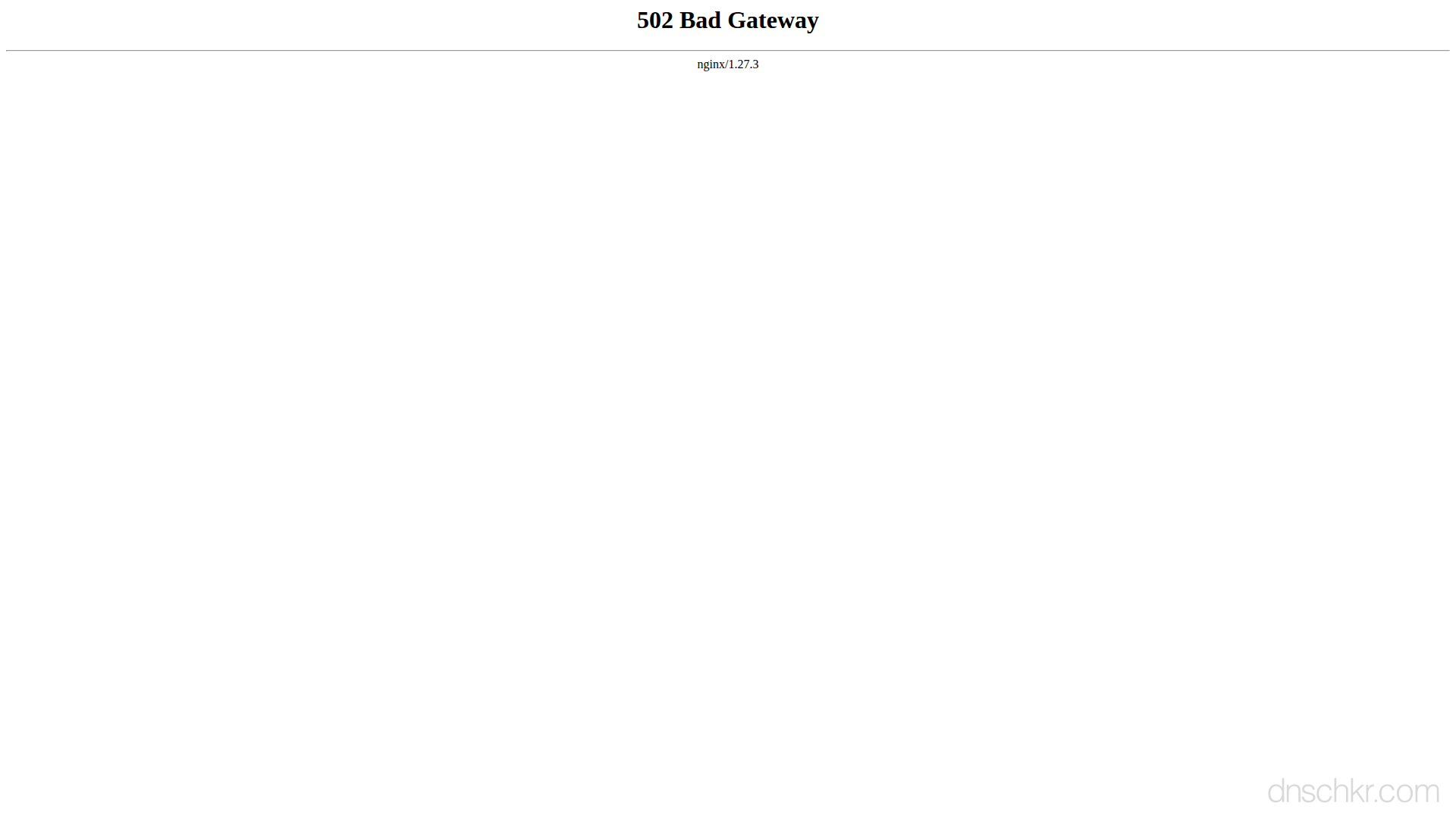
Status
502 Bad GatewayExample
Request
GET /about HTTP/1.1
Host: www.example.com
User-Agent: Mozilla/5.0
Accept: text/html
Response
HTTP/1.1 502 Bad Gateway
Content-Type: text/html; charset=utf-8
Server: nginx/1.24.0
Content-Length: 195

<!doctype html>
<html lang="en">
<head>
  <title>502 Bad Gateway</title>
</head>
<body>
  <h1>Bad Gateway</h1>
  <p>The server received an invalid response from an upstream server. Please try again shortly.</p>
</body>
</html>
How to Troubleshoot
1
Check the proxy error log (tells you exactly what happened)
The Nginx or Apache error log shows the specific reason the upstream request failed, 'connection refused,' 'no such file or directory' (socket missing), 'upstream prematurely closed connection,' or 'upstream sent too big header.' This is the most important step and should always be done first.
# Nginx error log (most specific info is here):
tail -50 /var/log/nginx/error.log
# Apache error log:
tail -50 /var/log/apache2/error.log
# Filter for 502-related messages:
grep -i 'upstream\|proxy\|502\|connect' /var/log/nginx/error.log | tail -20
2
Check if the upstream application process is running
Verify the backend application is running and listening on the expected port or socket. If it is not running, check why it stopped. The application's own logs will show the crash or error. Then restart it.
# Check if the process is running:
ps aux | grep -E 'php-fpm|node|gunicorn|uwsgi|puma|java' | grep -v grep
# Check if the expected port is listening:
ss -tlnp | grep -E '3000|8000|8080|9000'
# Check if the Unix socket exists:
ls -la /run/php/php-fpm.sock
ls -la /run/gunicorn.sock
# Restart the application if it is down:
systemctl restart php-fpm
systemctl restart myapp
3
Check for OOM kills (out of memory)
If the upstream process was running but suddenly disappeared, check if the Linux OOM killer terminated it. The OOM killer runs when the system runs out of memory and kills the process using the most RAM. After an OOM kill, you need to either increase server RAM, optimize the application's memory usage, or set memory limits with cgroups.
# Check for OOM kills in kernel log:
dmesg | grep -i 'oom\|killed process' | tail -10
# Check system memory:
free -h
# Check which process was killed:
grep -i 'oom' /var/log/kern.log | tail -5
4
Verify the proxy configuration points to the correct upstream
Check that the proxy_pass (Nginx) or ProxyPass (Apache) directive points to the correct address and port where the upstream application is actually listening. If the application listens on port 3000 but the proxy sends to port 8080, you get 502.
# Nginx, check proxy_pass configuration:
nginx -T 2>/dev/null | grep -A2 'proxy_pass\|fastcgi_pass'
# Apache, check proxy configuration:
apachectl -S 2>/dev/null
grep -r 'ProxyPass' /etc/apache2/ /etc/httpd/ 2>/dev/null
5
Increase proxy buffer size if headers are too large
If the error log says 'upstream sent too big header while reading response header,' the upstream response headers exceed the proxy's buffer. Increase the buffer size in Nginx. This commonly happens when the application sets many cookies or returns large authentication headers.
# Add these to the Nginx server or location block:
# proxy_buffer_size 16k;
# proxy_buffers 4 16k;
# proxy_busy_buffers_size 16k;
# For FastCGI (PHP-FPM):
# fastcgi_buffer_size 16k;
# fastcgi_buffers 4 16k;

# Test and reload Nginx:
nginx -t && systemctl reload nginx
6
Test the upstream directly (bypass the proxy)
Connect directly to the upstream application to verify it responds correctly without the proxy in between. This helps determine if the issue is in the proxy configuration or the upstream application itself.
# Test the upstream directly on its port:
curl -v http://127.0.0.1:3000/
curl -v http://127.0.0.1:8080/health
# For PHP-FPM, test the socket:
cgi-fcgi -bind -connect /run/php/php-fpm.sock
Common Causes
Upstream application crashed, stopped, or is not running
highThe backend application process (PHP-FPM, Node.js, Python Gunicorn/uWSGI, Java Tomcat, Ruby Puma) is not running. It may have crashed due to an unhandled exception, been killed by the OOM killer for using too much memory, failed to start after a deployment, or was never started. The proxy tries to connect to the upstream port or socket and gets 'connection refused' because nothing is listening. This is the most common 502 cause, check if the upstream process is running first.
Unix socket file is missing or has wrong permissions
highIf the proxy connects to the upstream via a Unix socket (common for PHP-FPM and Gunicorn), the socket file may not exist because the upstream is not running, or the proxy process does not have permission to read it. Socket files are deleted when the upstream process stops and recreated when it starts. If the upstream crashed, the socket disappears and Nginx logs 'connect() to unix:/run/php/php-fpm.sock failed (2: No such file or directory).'
Upstream process ran out of memory and was killed (OOM)
highThe Linux OOM killer terminated the upstream process because the server ran out of memory. This is very common on servers with limited RAM running memory-hungry applications (Node.js, Java, PHP with large datasets). After the OOM kill, the process stops and the proxy gets connection refused until the process is restarted. Check dmesg or /var/log/kern.log for OOM kill messages.
Proxy configured to wrong upstream port or address
mediumThe proxy_pass directive in Nginx or ProxyPass in Apache points to the wrong port, wrong IP, or wrong socket path. This happens after changing the application's listen port without updating the proxy config, after deploying a new application that uses a different port, or after a container restart that changes the internal IP. The proxy tries to connect and either gets connection refused (nothing on that port) or an invalid response (a different application on that port).
Upstream response is too large for the proxy buffer
mediumThe upstream sent a response that exceeds the proxy's buffer size. Nginx has proxy_buffer_size and proxy_buffers directives that limit how much of the upstream response the proxy will buffer. If the response headers alone exceed proxy_buffer_size (default 4k or 8k), Nginx returns 502. This happens with applications that set many or very large cookies, or return very large headers.
Related Status Codes
References
| Specification | Section |
|---|---|
| HTTP Semantics | RFC 9110 §15.6.3 |
Frequently Asked Questions

This reference was compiled from official RFCs, protocol specifications, and hands-on troubleshooting experience. AI tools were used primarily for formatting and organizing the content on the page.