
408 Request Timeout408
HTTP 408 Request Timeout means the server waited too long for the client to finish sending the request and closed the connection. This happens when the client starts sending a request but takes too long to complete it.
What HTTP 408 Looks Like in a Browser
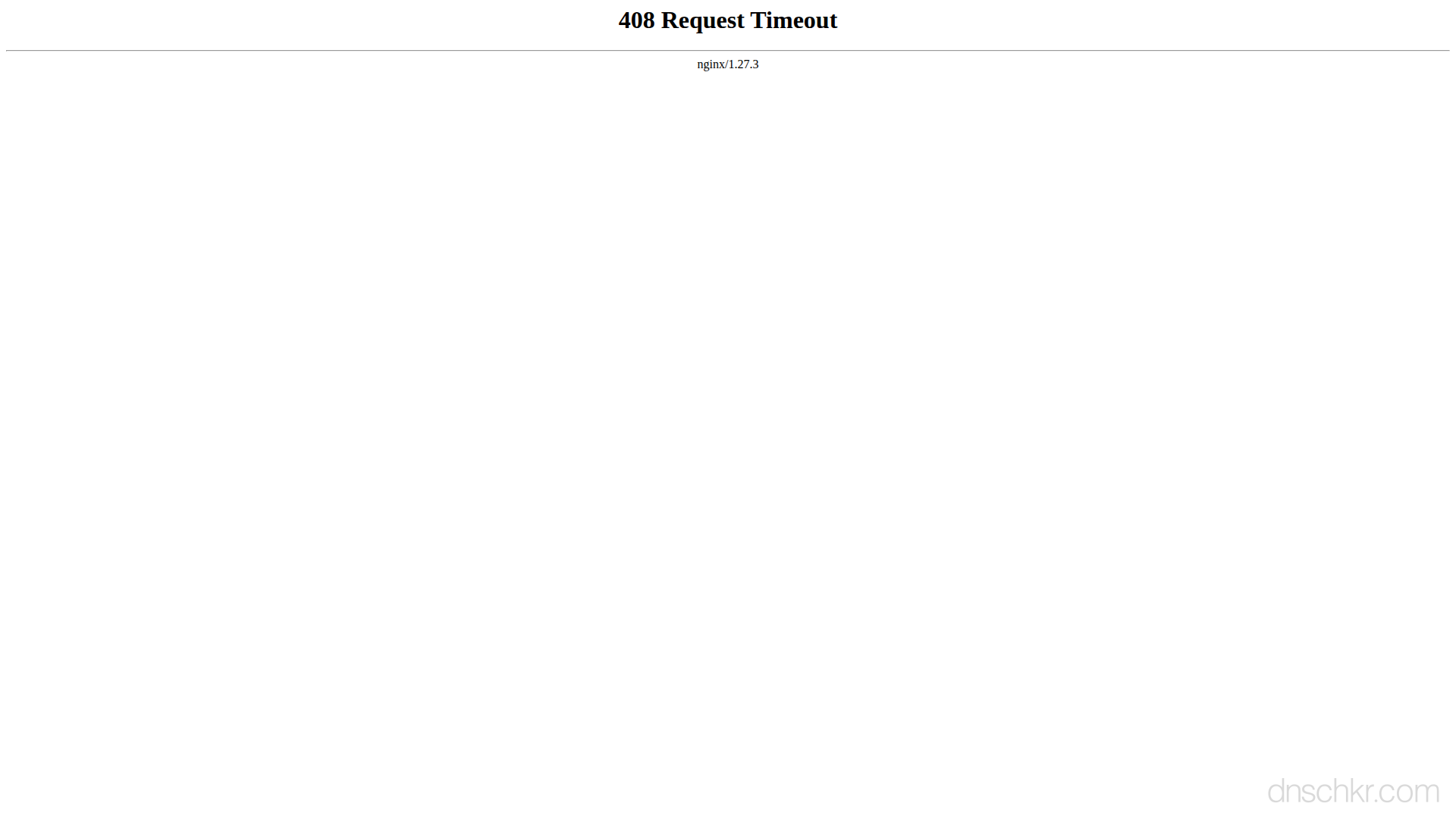
Status
408 Request TimeoutExample
Request
GET /slow-page HTTP/1.1
Host: www.example.com
User-Agent: Mozilla/5.0
Accept: text/html
Response
HTTP/1.1 408 Request Timeout
Content-Type: text/html; charset=utf-8
Connection: close
Content-Length: 188

<!doctype html>
<html lang="en">
<head>
  <title>408 Request Timeout</title>
</head>
<body>
  <h1>Request Timeout</h1>
  <p>The server timed out waiting for your request. Please try again.</p>
</body>
</html>
How to Troubleshoot
1
Retry the request
The server is indicating it is willing to accept the request. Try sending it again on a better connection.
2
Check network connectivity
Test your connection speed and stability to ensure you can complete the request within the timeout.
3
Reduce request size
If uploading large files, try compressing them or splitting into smaller chunks.
Common Causes
Slow or unstable client connection
highThe client's network is too slow to complete the request within the server's timeout window.
Large upload on slow connection
mediumA file upload is too large relative to the client's upload bandwidth.
Related Status Codes
References
| Specification | Section |
|---|---|
| HTTP Semantics | RFC 9110 §15.5.9 |
Frequently Asked Questions

This reference was compiled from official RFCs, protocol specifications, and hands-on troubleshooting experience. AI tools were used primarily for formatting and organizing the content on the page.