
500 Internal Server Error500
HTTP 500 Internal Server Error is the generic catch-all for server-side failures. It means something went wrong while processing your request, but the server cannot tell you specifically what. The actual cause is almost always in the server's error logs, that is the first place to look. This error can be triggered by an unhandled exception in application code, a syntax error in a config file, a failed database connection, a permission issue preventing the application from reading files or writing to disk, a missing environment variable, or a dependency that failed to load. Unlike 502 and 504 which involve a proxy and upstream server, a 500 typically means the application itself crashed or hit an error before it could produce a response.
What HTTP 500 Looks Like in a Browser
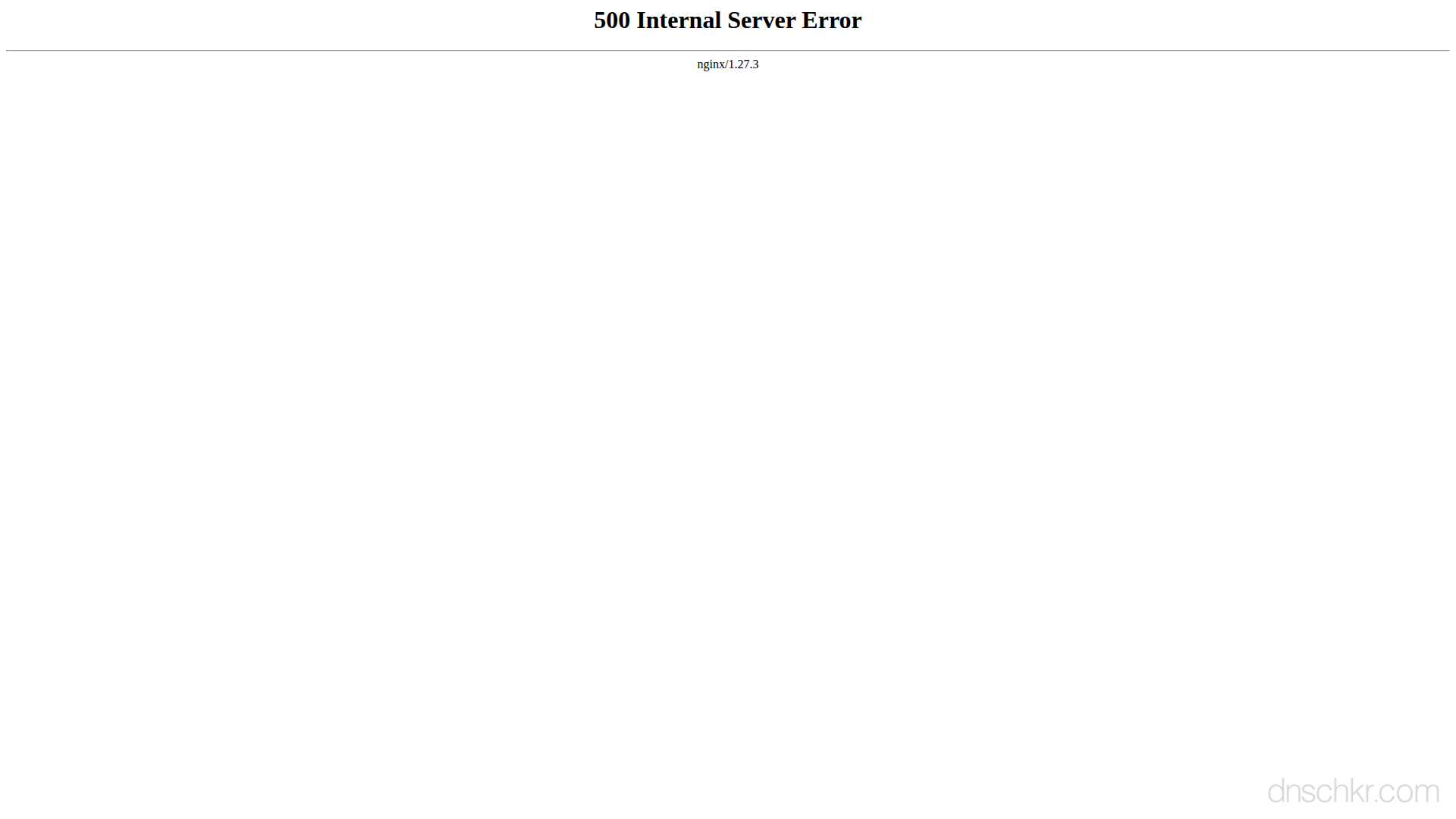
Status
500 Internal Server ErrorExample
Request
GET /store/checkout HTTP/1.1
Host: www.example.com
User-Agent: Mozilla/5.0
Accept: text/html
Response
HTTP/1.1 500 Internal Server Error
Content-Type: text/html; charset=utf-8
Content-Length: 203

<!doctype html>
<html lang="en">
<head>
  <title>500 Internal Server Error</title>
</head>
<body>
  <h1>Internal Server Error</h1>
  <p>Something went wrong on our end. Please try refreshing the page or come back in a few minutes.</p>
</body>
</html>
How to Troubleshoot
1
Check the server error logs (this is always step one)
The 500 response body in production rarely tells you the real cause. The error logs do. Check your application logs first, then the web server error logs. The error log shows the exact exception, stack trace, file, and line number. For PHP, also check the PHP error log. For containerized apps, check docker logs.
# Nginx error log:
tail -100 /var/log/nginx/error.log
# Apache error log:
tail -100 /var/log/apache2/error.log
# PHP error log:
tail -100 /var/log/php-fpm/error.log
# Application/container logs:
journalctl -u myapp --since '10 min ago'
docker logs --tail 100 my-container
2
Check if the error is on all pages or just specific URLs
Test the home page and several other URLs. If all pages return 500, it is likely a server-wide issue (config file syntax error, missing module, permission on a shared file). If only specific pages fail, the issue is in the code that handles that specific route, a database query, an API call, or a template rendering error on that page.
# Test multiple endpoints:
curl -s -o /dev/null -w '%{http_code}' https://example.com/
curl -s -o /dev/null -w '%{http_code}' https://example.com/about
curl -s -o /dev/null -w '%{http_code}' https://example.com/api/health
3
Validate server configuration files
Test the web server configuration for syntax errors. A single typo in nginx.conf or httpd.conf causes 500 on every request. Also check .htaccess files if using Apache, these are parsed per-request and a bad directive causes 500 only for requests to that directory.
# Test Nginx config syntax:
nginx -t
# Test Apache config syntax:
apachectl configtest
# Check PHP syntax on a specific file:
php -l /var/www/html/index.php
4
Test database connectivity from the server
Verify the application can reach its database. Test the connection using the same credentials and host the application uses. Check if the database service is running, if the connection credentials are correct, and if a firewall is blocking the connection. Also check if the connection pool is exhausted, this happens under high load when all connections are in use.
# Test MySQL/MariaDB connection:
mysql -h localhost -u appuser -p -e 'SELECT 1;'
# Test PostgreSQL connection:
psql -h localhost -U appuser -d mydb -c 'SELECT 1;'
# Check if the database port is open:
curl -v telnet://localhost:3306 2>&1 | head -5
5
Check file permissions and environment variables
Verify the web server process can read application files, write to cache/session/log directories, and that all required environment variables are set. Missing environment variables are a very common cause of 500 after deploying to a new environment.
# Check writable directories:
ls -la /var/www/html/storage/
ls -la /tmp/sessions/
# Check environment variables (from the app's perspective):
cat /var/www/html/.env | head -20
# Check the process owner:
ps aux | grep -E 'php-fpm|node|python|ruby' | head -5
6
Roll back the last deployment if the error started after deploying
If the 500 errors started immediately after a deployment, the new code or configuration introduced a bug. Roll back to the previous version to restore service while you investigate. Check git log for what changed, look at the diff, and test the changes in a staging environment before redeploying.
Common Causes
Unhandled exception or crash in application code
highThe application code threw an error that was not caught by any try/catch block or error handling middleware. This could be a null pointer, an undefined variable, a type error, a failed assertion, or any runtime exception that bubbles up to the framework's default error handler. In production, applications should catch all errors and return appropriate status codes, but an uncaught exception results in 500. The exact error message and stack trace are in the application logs.
Syntax error or misconfiguration in server config files
highA typo or invalid directive in nginx.conf, apache httpd.conf, .htaccess, php.ini, or similar configuration files. For PHP applications, a syntax error in the code itself causes 500 because PHP cannot parse the file. For Apache, an invalid .htaccess directive (like using a module directive when the module is not loaded) produces 500. These errors typically affect every request to the server, not just specific URLs.
Database connection failure or query error
highThe application cannot connect to its database, wrong credentials in the config, database server is down, connection pool is exhausted, or a firewall is blocking the connection. This also happens when a database query fails at runtime (syntax error in SQL, referencing a table that does not exist after a migration, or a constraint violation). If the 500 happens on some pages but not others, it is likely a query issue on the specific page that fails.
File or directory permission issue on the server
mediumThe application needs to read a file (config, template, asset) or write to a directory (uploads, cache, sessions, logs) but does not have permission. This commonly happens after a deployment that changes file ownership, after running a command as root that creates files the web server user cannot read, or when the session or cache directory does not exist or is not writable. PHP applications are especially prone to this with session files and cache directories.
Missing environment variable or dependency
mediumThe application expects an environment variable (DATABASE_URL, API_KEY, SECRET_KEY) that is not set, or a required package or native library is not installed on the server. This often happens when deploying to a new environment and forgetting to copy the .env file, or when a system library required by a node module (like sharp or bcrypt) is not installed in the container.
Related Status Codes
References
| Specification | Section |
|---|---|
| HTTP Semantics | RFC 9110 §15.6.1 |
Frequently Asked Questions

This reference was compiled from official RFCs, protocol specifications, and hands-on troubleshooting experience. AI tools were used primarily for formatting and organizing the content on the page.