
405 Method Not Allowed405
HTTP 405 Method Not Allowed means the server recognizes the request URL and the resource exists, but the HTTP method you used (GET, POST, PUT, DELETE, PATCH, OPTIONS) is not supported for that specific resource. The server must include an Allow response header listing which methods are valid. This header is the key to fixing the issue. The difference from 404: the URL is correct, but the method is wrong. The difference from 501: the server knows what the method means, it just does not allow it on this endpoint. Common examples include sending POST to a read-only endpoint, sending DELETE to an endpoint that only accepts GET, or making an API call with PUT when the endpoint expects PATCH.
What HTTP 405 Looks Like in a Browser
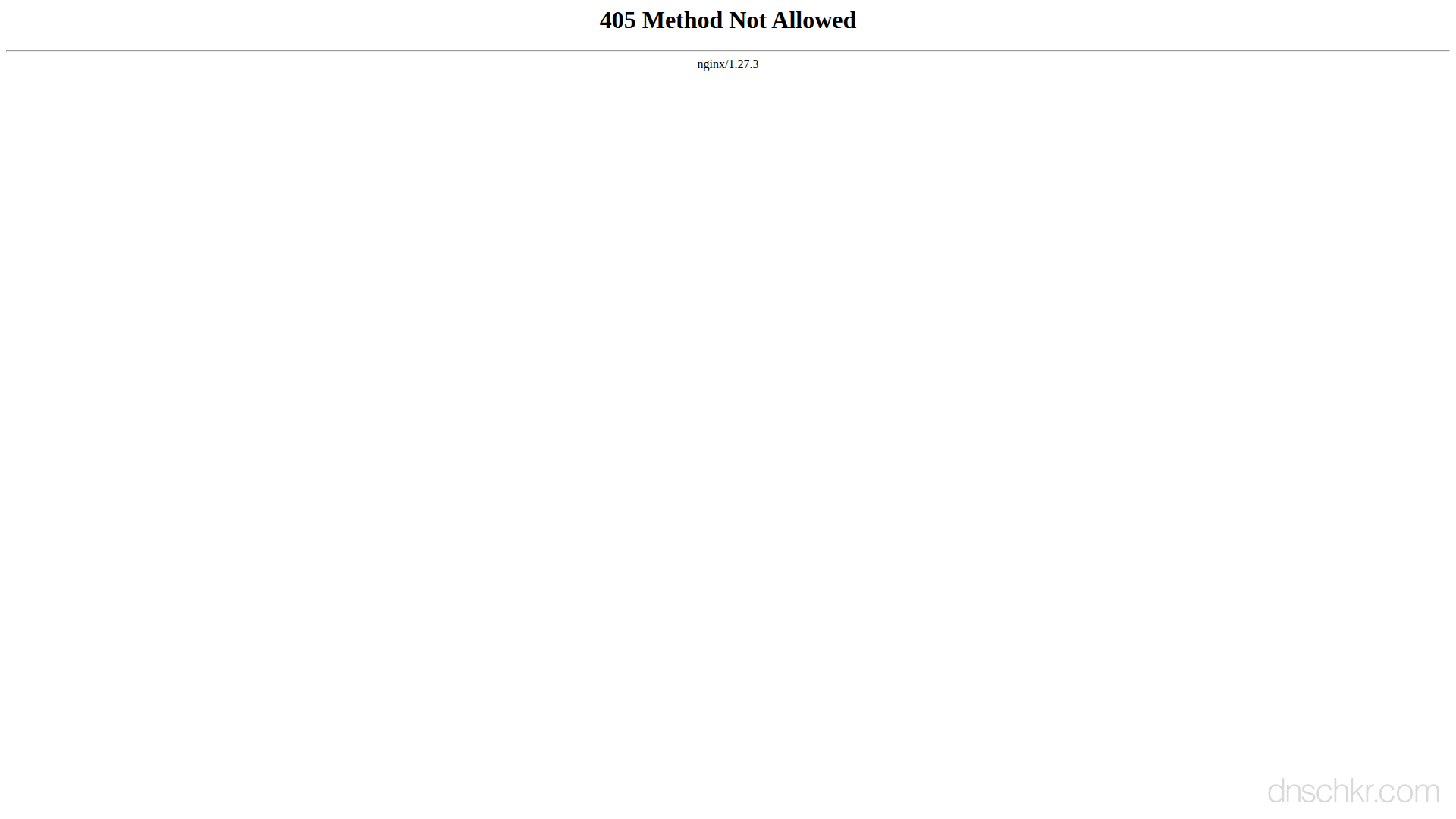
Status
405 Method Not AllowedExample
Request
GET /contact HTTP/1.1
Host: www.example.com
User-Agent: Mozilla/5.0
Accept: text/html
Response
HTTP/1.1 405 Method Not Allowed
Content-Type: text/html; charset=utf-8
Allow: POST
Content-Length: 192

<!doctype html>
<html lang="en">
<head>
  <title>405 Method Not Allowed</title>
</head>
<body>
  <h1>Method Not Allowed</h1>
  <p>GET is not allowed for this URL. Use POST to submit the form.</p>
</body>
</html>
How to Troubleshoot
1
Check the Allow header in the 405 response
The 405 response must include an Allow header listing every HTTP method the endpoint accepts. Send a request with the wrong method and inspect the Allow header. It tells you exactly which methods to use. This is the single most important step.
# Send a request and check the Allow header:
curl -I -X DELETE https://api.example.com/v1/users 2>&1 | grep -i 'allow'
2
Test with the correct HTTP method
Once you know which methods are allowed, retry with the correct one. If the Allow header says GET, POST, use POST for creating resources and GET for reading. If you need PUT but only PATCH is allowed (or vice versa), use whatever the server supports.
# Test different methods against the endpoint:
curl -X GET https://api.example.com/v1/users
curl -X POST -H 'Content-Type: application/json' -d '{"name":"test"}' https://api.example.com/v1/users
curl -X PATCH -H 'Content-Type: application/json' -d '{"name":"updated"}' https://api.example.com/v1/users/123
3
Fix CORS preflight issues (if OPTIONS returns 405)
If the browser shows a CORS error and the OPTIONS preflight returns 405, the server needs to handle OPTIONS requests. In Nginx, add a location block that responds to OPTIONS with the right headers. In Express, use the cors() middleware. In Django, use django-cors-headers. The response must include Access-Control-Allow-Origin, Access-Control-Allow-Methods, and Access-Control-Allow-Headers.
# Test the OPTIONS preflight manually:
curl -X OPTIONS -H 'Origin: https://your-frontend.com' -H 'Access-Control-Request-Method: POST' -v https://api.example.com/v1/users 2>&1 | grep -i 'access-control'
4
Check framework route definitions
If you control the server, check that the route handler is defined for the method you need. In Express, verify you have app.post() not just app.get(). In Next.js API routes, verify the handler checks for the method. In Django, verify the view has the corresponding handler method. In Laravel, verify Route::post() exists for the path.
5
Check web server configuration for method restrictions
Nginx and Apache can restrict methods at the server level. Check for limit_except blocks in Nginx or LimitExcept directives in Apache that may block the method you need.
# Nginx, check for method restrictions:
nginx -T 2>/dev/null | grep -B2 -A5 'limit_except'
# Apache, check for method restrictions:
grep -r 'LimitExcept\|Limit ' /etc/apache2/ /etc/httpd/ 2>/dev/null
6
Discover all available methods with OPTIONS
Send an OPTIONS request to the endpoint to discover which methods it supports. A well-configured server responds to OPTIONS with an Allow header listing all valid methods. This is useful when the API documentation is unclear or missing.
curl -X OPTIONS -v https://api.example.com/v1/users 2>&1 | grep -i 'allow\|access-control'
Common Causes
Using the wrong HTTP method for the endpoint
highThe most common cause is simply using the wrong method. You sent POST to an endpoint that only accepts GET, or PUT to an endpoint that expects PATCH. This happens when copying code from a different API, when documentation is ambiguous, or when switching between REST conventions. For example, some APIs use PUT for full updates and PATCH for partial updates, using the wrong one returns 405. Always check the Allow header in the 405 response to see exactly which methods are accepted.
Framework routing only defines specific methods
highIn web frameworks (Express, Next.js, Django, Rails, Laravel), route handlers are bound to specific HTTP methods. If you define app.get('/users') but a client sends POST /users, the framework returns 405 because no POST handler exists for that path. In Next.js API routes, you must explicitly handle each method in the route handler. In Django, class-based views only respond to methods that have a corresponding handler method (get, post, put, etc.).
CORS preflight OPTIONS request rejected
highBrowsers send an OPTIONS preflight request before cross-origin POST, PUT, DELETE, or PATCH requests. If the server does not handle OPTIONS for that endpoint, it returns 405, which causes the browser to block the actual request with a CORS error. The fix is to configure the server to respond to OPTIONS requests with the appropriate Access-Control-Allow-Methods header. This is a very common issue when building front-end applications that call APIs on a different domain.
Static file server does not accept POST or other methods
mediumStatic file servers (Nginx serving files, CDNs, S3 buckets) typically only accept GET and HEAD requests. Sending POST, PUT, or DELETE to a static resource URL returns 405. If you are building a form that submits to a static site, you need a server-side endpoint or a third-party form handler to process the submission.
Web server or security rules block certain methods
mediumNginx, Apache, or a WAF may be configured to block specific HTTP methods globally. Some security configurations disable PUT, DELETE, TRACE, and OPTIONS server-wide to reduce the attack surface. The LimitExcept directive in Apache or limit_except in Nginx can restrict which methods are allowed on specific paths.
Related Status Codes
References
| Specification | Section |
|---|---|
| HTTP Semantics | RFC 9110 §15.5.6 |
Frequently Asked Questions

This reference was compiled from official RFCs, protocol specifications, and hands-on troubleshooting experience. AI tools were used primarily for formatting and organizing the content on the page.