
400 Bad Request400
HTTP 400 Bad Request means the server cannot process the request because the client sent something invalid, malformed syntax, invalid request framing, or deceptive routing. The client should not repeat the request without modifications.
What HTTP 400 Looks Like in a Browser
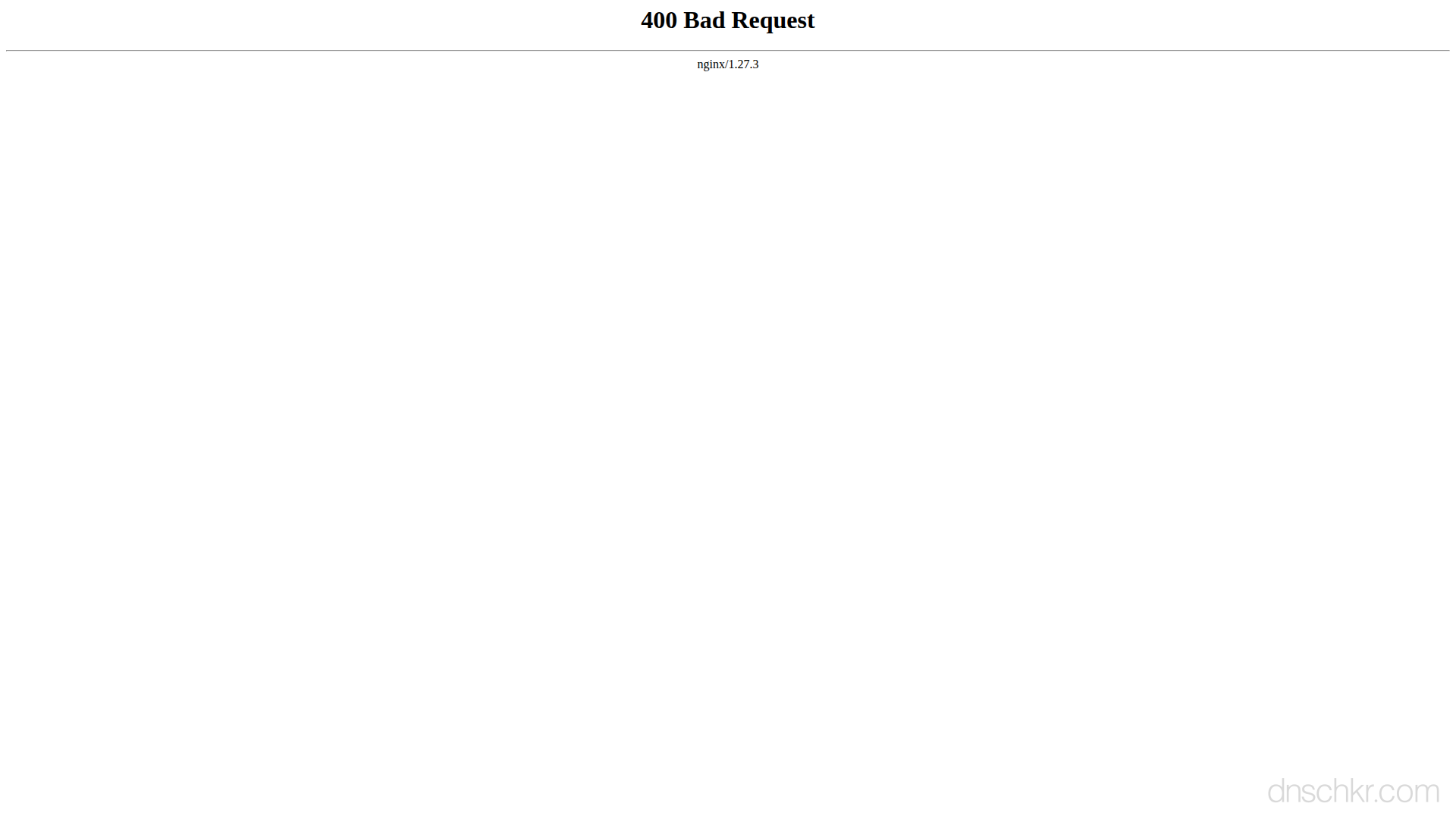
Status
400 Bad RequestExample
Request
GET /search?q=<script>alert(1)</script> HTTP/1.1
Host: www.example.com
User-Agent: Mozilla/5.0
Accept: text/html
Response
HTTP/1.1 400 Bad Request
Content-Type: text/html; charset=utf-8
Content-Length: 174

<!doctype html>
<html lang="en">
<head>
  <title>400 Bad Request</title>
</head>
<body>
  <h1>Bad Request</h1>
  <p>Your browser sent a request the server could not understand.</p>
</body>
</html>
How to Troubleshoot
1
Check the request syntax
Verify the request body is well-formed JSON/XML and all required parameters are present.
curl -v -X POST -H 'Content-Type: application/json' -d '{"key":"value"}' https://api.example.com/endpoint2
Inspect the response body
Many APIs return a detailed error message in the 400 response body explaining what was wrong.
3
Validate against API documentation
Compare your request against the API documentation to ensure all required fields, headers, and formats are correct.
4
Check URL encoding
Ensure special characters in query parameters are properly URL-encoded.
Common Causes
Malformed request body or headers
highThe request contains invalid JSON, XML, or form data that the server cannot parse.
Invalid query parameters
highRequired query parameters are missing, have wrong types, or contain invalid characters.
Request size exceeds limits
mediumThe URL, headers, or body exceed the server's configured maximum size.
Related Status Codes
References
| Specification | Section |
|---|---|
| HTTP Semantics | RFC 9110 §15.5.1 |
Frequently Asked Questions

This reference was compiled from official RFCs, protocol specifications, and hands-on troubleshooting experience. AI tools were used primarily for formatting and organizing the content on the page.