
403 Forbidden403
HTTP 403 Forbidden means the server understood the request but refuses to fulfill it. Unlike 401 Unauthorized, re-authenticating will not help. The server knows who you are but you are not allowed to access this resource. The key difference: 401 means 'I do not know who you are,' while 403 means 'I know who you are, and you are not allowed.' This happens when the authenticated user lacks the required role or permission, when the server's firewall or WAF blocks the request by IP address or geographic region, when file system permissions prevent the web server process from reading the file, or when a security rule (CORS policy, CSP, .htaccess Deny directive, or ModSecurity rule) explicitly rejects the request. Some servers return 403 instead of 404 to hide the existence of resources from unauthorized users.
What HTTP 403 Looks Like in a Browser
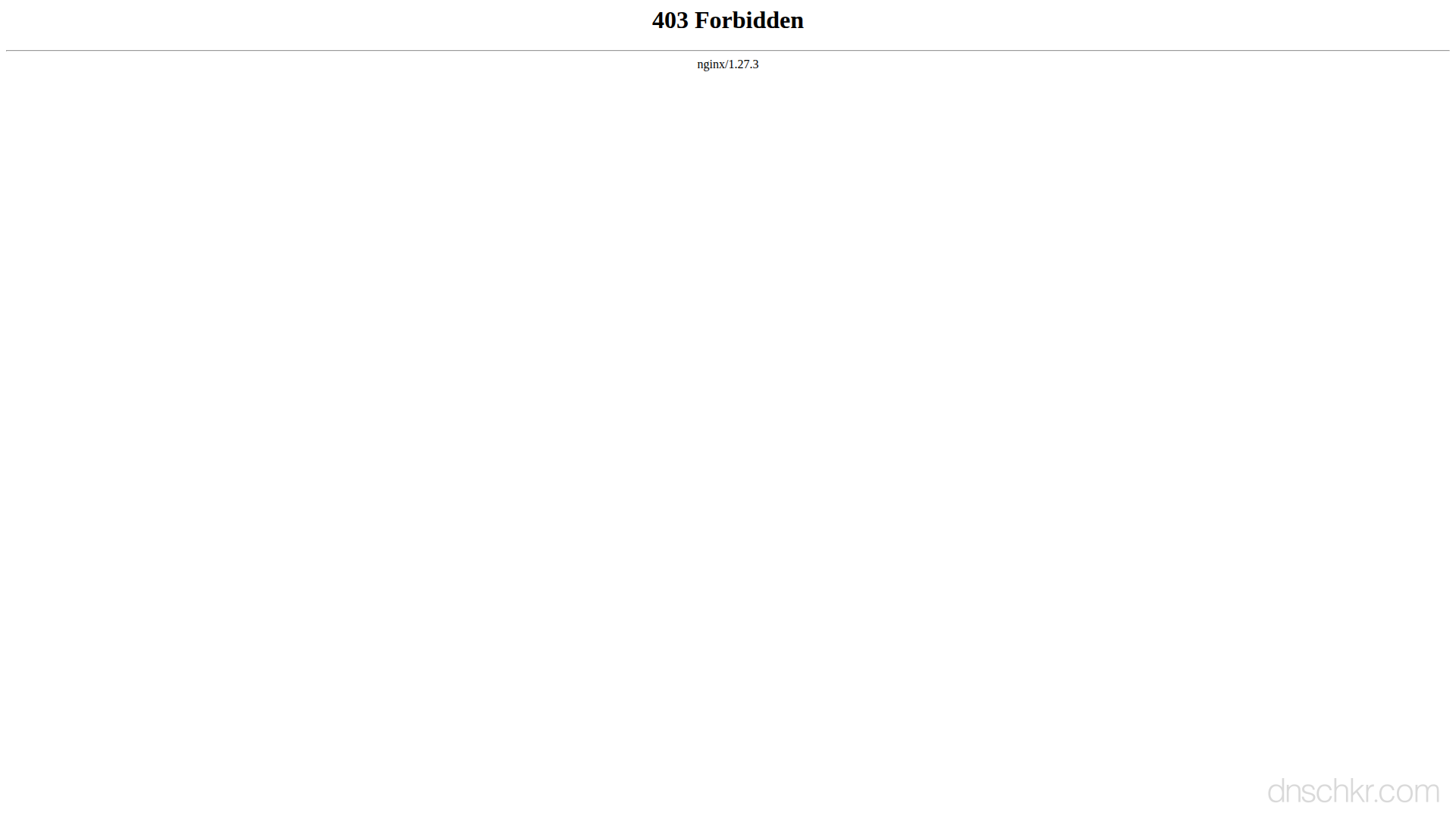
Status
403 ForbiddenExample
Request
GET /admin/dashboard HTTP/1.1
Host: www.example.com
User-Agent: Mozilla/5.0
Accept: text/html
Response
HTTP/1.1 403 Forbidden
Content-Type: text/html; charset=utf-8
Content-Length: 180

<!doctype html>
<html lang="en">
<head>
  <title>403 Forbidden</title>
</head>
<body>
  <h1>Forbidden</h1>
  <p>You do not have permission to access this page.</p>
</body>
</html>
How to Troubleshoot
1
Check if it is a permissions issue (role/ACL) or a server block (IP/WAF)
First determine whether the 403 is coming from the application layer (your user account lacks permissions) or the infrastructure layer (your IP or request is blocked before it reaches the application). If the response body contains an application-specific error message about permissions or roles, it is an application-level block. If the response looks like a generic server error page or a CDN block page (Cloudflare, AWS WAF), it is an infrastructure block. This distinction determines which troubleshooting path to follow.
curl -v https://example.com/admin/dashboard 2>&1 | head -50
2
Check your user role and permissions (application-level 403)
If the 403 is from the application, verify your user account has the required role. Check the API documentation for which roles are allowed on this endpoint. For REST APIs, the response body often includes the required permission. If you are using OAuth scopes, verify your token includes the necessary scope. The scope is embedded in the JWT payload and can be decoded to check.
# Decode a JWT token to check scopes and roles:
echo 'YOUR_JWT_TOKEN' | cut -d'.' -f2 | base64 -d 2>/dev/null | python3 -m json.tool
3
Check if your IP address is blocked (infrastructure-level 403)
If the 403 comes from a WAF or CDN, your IP address may be blocked. Check your current public IP and see if the server is geo-blocking your region. Try accessing the resource from a different network (mobile data, VPN) to confirm. If using Cloudflare, the block page shows a Ray ID. Check the Cloudflare dashboard under Security > Events with that Ray ID to see why the request was blocked.
Check Your IP4
Check file system permissions on the server
If you control the server, verify the web server process can read the file. The web server typically runs as www-data (Ubuntu/Debian), nginx, or apache. Files should be 644 (owner read/write, group/other read) and directories should be 755 (owner full, group/other read+execute). Every directory in the path from root to the file needs execute permission for the web server user.
# Check file permissions and ownership:
ls -la /var/www/html/path/to/resource
# Check the web server process user:
ps aux | grep -E 'nginx|apache|httpd' | head -3
# Fix permissions (common fix):
chown -R www-data:www-data /var/www/html/
find /var/www/html/ -type f -exec chmod 644 {} \;
find /var/www/html/ -type d -exec chmod 755 {} \;
5
Check .htaccess and server configuration for Deny rules
Look for access control rules that may be blocking the request. Apache uses .htaccess files and the main config; Nginx uses location blocks. Check every .htaccess file in the path from the document root to the requested file. Also check for ModSecurity rules that may be flagging your request as malicious. The ModSecurity audit log shows which rule triggered.
# Apache, find .htaccess files with Deny rules:
find /var/www/html/ -name '.htaccess' -exec grep -l -i 'deny\|require' {} \;
# Nginx, check access rules in config:
nginx -T 2>/dev/null | grep -A5 'deny\|allow'
# Apache ModSecurity audit log:
tail -50 /var/log/apache2/modsec_audit.log
6
Test with a different request to isolate the cause
Try accessing a different path on the same server to see if the 403 is specific to one resource or affects everything. Also try removing custom headers, cookies, or query parameters, some WAF rules trigger on specific patterns in the request. If the 403 only affects one path, the issue is likely file permissions or an access rule on that path. If it affects everything, it is likely an IP block or a global WAF rule.
Common Causes
Authenticated user lacks the required role or permission
highYou are logged in but your account does not have the role needed to access this resource. For example, a 'viewer' role trying to access an admin-only endpoint, or a user trying to access another user's private data. The API or application has an access control list (ACL) or role-based access control (RBAC) system that is rejecting the request. Check which roles or permissions the endpoint requires and compare them to your current user's roles.
IP address or geographic region blocked by firewall or WAF
highThe server's firewall, Web Application Firewall (WAF), or CDN (like Cloudflare) is blocking requests from your IP address, IP range, or country. This is common when a server uses geo-blocking to restrict access to certain regions, when your IP appears on a blocklist due to previous abuse from that address, or when the server whitelists only specific IPs (e.g., office VPN). A WAF may also block requests that match suspicious patterns even if your IP is not specifically blocked.
File system permissions prevent the web server from reading the file
highThe requested file or directory exists on the server, but the web server process (running as www-data, nginx, or apache user) does not have read permission on the file or execute permission on the parent directories. This often happens after deploying files with the wrong ownership, after restoring from a backup, or when files are uploaded with restrictive permissions (e.g., 600 instead of 644).
Directory listing disabled and no index file exists
mediumThe URL points to a directory (like /images/) but the server has directory browsing (autoindex) turned off and there is no index file (index.html, index.php) in that directory. The server returns 403 because it cannot generate a directory listing and has nothing to serve. This is a secure default. Most production servers disable directory listing.
.htaccess Deny rule or Nginx deny directive blocking access
mediumAn Apache .htaccess file contains a 'Deny from all' or 'Require all denied' directive, or Nginx has a 'deny all' rule in the location block for this path. These rules are often used to protect sensitive directories like .git, .env files, or config directories from public access. The block may also come from a ModSecurity rule flagging the request as malicious.
Quick Diagnostics
Related Status Codes
References
| Specification | Section |
|---|---|
| HTTP Semantics | RFC 9110 §15.5.4 |
Frequently Asked Questions

This reference was compiled from official RFCs, protocol specifications, and hands-on troubleshooting experience. AI tools were used primarily for formatting and organizing the content on the page.