401 Unauthorized401
HTTP 401 Unauthorized means the request was rejected because it lacks valid authentication credentials. The server is saying 'I do not know who you are. Prove your identity before I give you access.' This happens when no credentials are sent at all, when the username or password is wrong (Basic Auth), when a bearer token is missing or expired (OAuth/JWT), or when an API key is invalid. The server always includes a WWW-Authenticate response header that tells the client which authentication scheme to use. Check this header first, as it is the key to understanding what the server expects.
What HTTP 401 Looks Like in a Browser
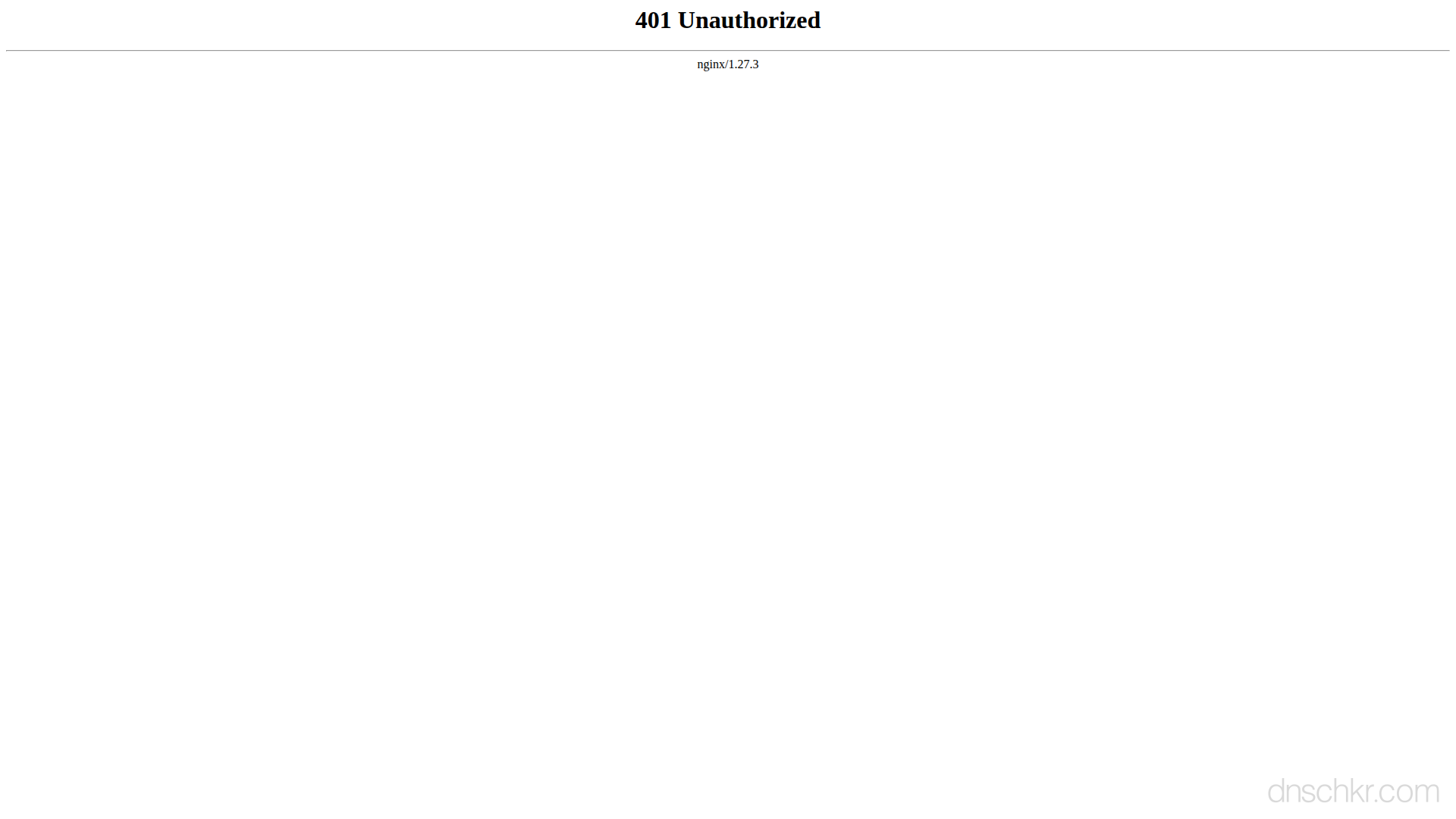
Status
401 UnauthorizedExample
Request
GET /members/account HTTP/1.1
Host: www.example.com
User-Agent: Mozilla/5.0
Accept: text/html
Response
HTTP/1.1 401 Unauthorized
Content-Type: text/html; charset=utf-8
WWW-Authenticate: Basic realm="Members Area"
Content-Length: 192

<!doctype html>
<html lang="en">
<head>
  <title>401 Unauthorized</title>
</head>
<body>
  <h1>Unauthorized</h1>
  <p>You must log in to access this page.</p>
</body>
</html>
How to Troubleshoot
1
Check the WWW-Authenticate response header
Send a request without credentials and inspect the response. The WWW-Authenticate header tells you the authentication scheme the server expects. Look for 'Basic' (username/password), 'Bearer' (OAuth/JWT token), or a custom scheme. This is the single most important step. Everything else depends on which scheme the server uses.
curl -I https://api.example.com/v1/users
2
Test with Basic Auth (username and password)
If the WWW-Authenticate header says 'Basic', the server expects a username and password. Curl's -u flag handles the base64 encoding for you. Verify the username and password are correct, these are usually provided by the service administrator or found in your account settings. Basic Auth sends credentials with every request, so always use HTTPS.
curl -u username:password https://api.example.com/v1/users
3
Test with a Bearer token (OAuth/JWT)
If the WWW-Authenticate header says 'Bearer', the server expects an access token. You get this token from the provider's OAuth flow or authentication endpoint. Include it in the Authorization header. If the token is expired (the error response may include 'token_expired'), you need to refresh it or obtain a new one.
curl -H 'Authorization: Bearer eyJhbGciOiJIUzI1NiIs...' https://api.example.com/v1/users
4
Test with an API key
If the service uses API key authentication, check the API documentation for where the key should go, common locations are the X-API-Key header, an Authorization header, or a query parameter. API keys are typically found in your account dashboard or developer settings. If the key was recently regenerated, update it in your application.
curl -H 'X-API-Key: your_api_key_here' https://api.example.com/v1/users
5
Refresh an expired OAuth token
If using OAuth2 and your access token has expired, use the refresh token to get a new one from the provider's token endpoint. The refresh token is long-lived and was issued alongside the original access token. Store the new access token and retry your request.
curl -X POST https://auth.example.com/oauth/token -d 'grant_type=refresh_token&refresh_token=YOUR_REFRESH_TOKEN&client_id=YOUR_CLIENT_ID&client_secret=YOUR_CLIENT_SECRET'
6
Verify you are hitting the correct environment
Confirm the API URL matches the environment your credentials belong to. Production, staging, and development environments have separate credential sets. Check the base URL, API version, and any environment-specific headers your service requires.
Common Causes
Missing or wrong username and password (Basic Auth)
highThe request did not include an Authorization header, or it included Basic Auth credentials (username:password base64-encoded) that are incorrect. This is the most common cause when accessing password-protected pages, admin panels, or APIs that use Basic Authentication. The username or password may have been changed, or the base64 encoding may be malformed.
Missing or expired bearer token (OAuth/JWT)
highThe request did not include a Bearer token in the Authorization header, or the token has expired. OAuth2 access tokens are typically short-lived (1 hour for most providers). JWT tokens have an expiration claim (exp) that the server checks. Once expired, the client must obtain a new token using a refresh token or by re-authenticating.
Invalid or revoked API key
highThe API key sent in the request header, query parameter, or request body is not recognized by the server. The key may have been deleted, regenerated, or deactivated by the API provider. Some APIs pass the key via an X-API-Key header, others use a query parameter like ?api_key=, and others expect it in the Authorization header.
Wrong authentication scheme
mediumThe server expects one authentication method but received a different one. For example, the server requires a Bearer token but the client sent Basic Auth credentials, or the server expects an API key header but the client sent a Bearer token. The WWW-Authenticate response header tells you exactly which scheme the server expects.
Credentials sent to the wrong endpoint or environment
mediumThe credentials are valid but were sent to the wrong server, for example, using production credentials against the staging API, or test API keys against the production endpoint. Each environment typically has its own set of credentials.
Related Status Codes
References
| Specification | Section |
|---|---|
| HTTP Semantics | RFC 9110 §15.5.2 |
Frequently Asked Questions

This reference was compiled from official RFCs, protocol specifications, and hands-on troubleshooting experience. AI tools were used primarily for formatting and organizing the content on the page.