525 SSL Handshake Failed525
HTTP 525criticalOrigin Error
Error 525 means Cloudflare attempted an SSL/TLS handshake with the origin server and it failed. This only happens when the Cloudflare SSL mode is set to Full or Full (Strict), meaning Cloudflare tries to connect to the origin over HTTPS (port 443). The origin either does not have a valid SSL certificate installed, is using an incompatible TLS version or cipher suite, or the SSL configuration is broken. The TCP connection succeeds but the TLS layer fails.
What Cloudflare Error 525 Looks Like
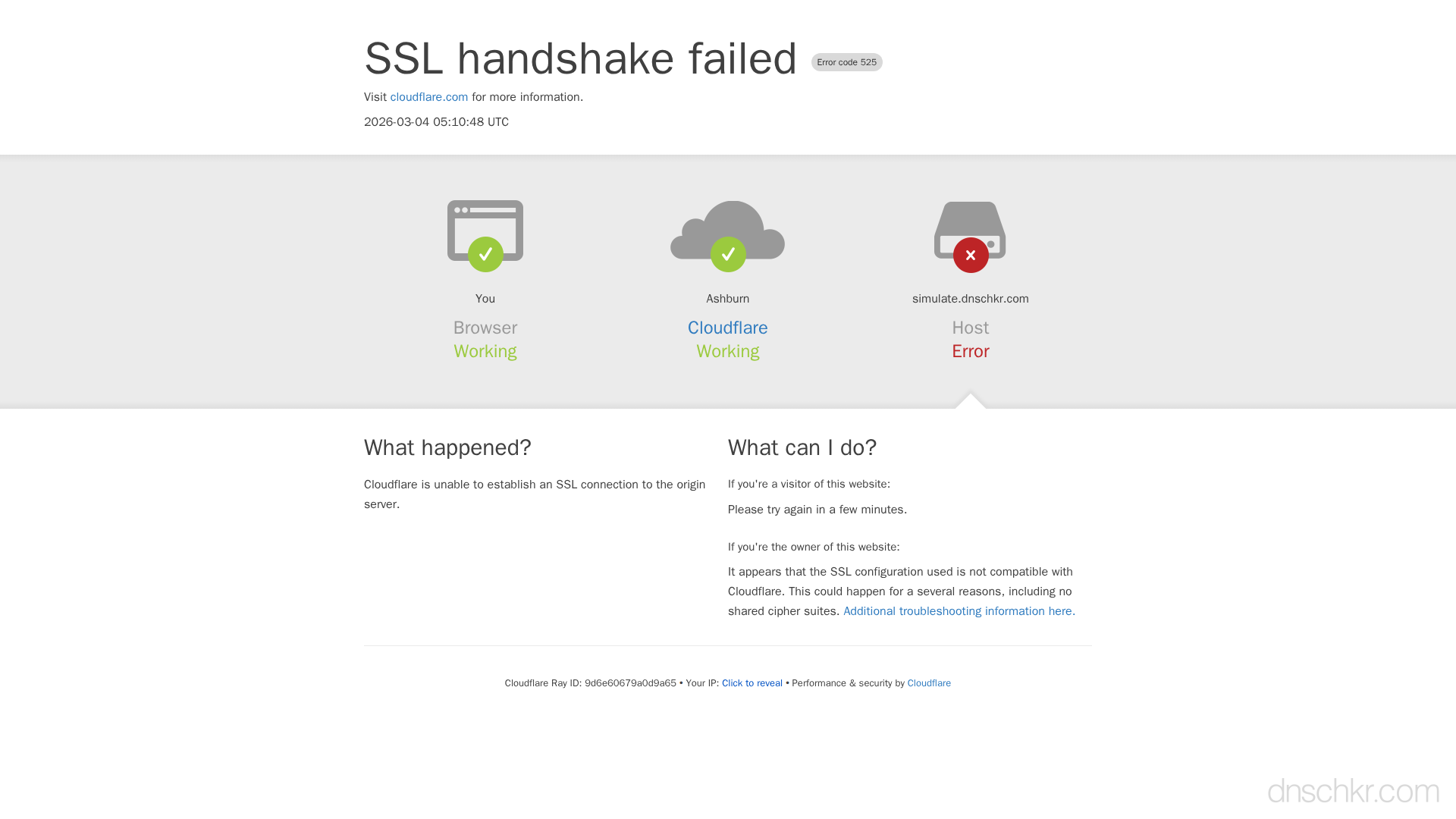
Status
Error 525: SSL Handshake FailedExample
Request
GET /login HTTP/1.1
Host: www.example.com
User-Agent: Mozilla/5.0
Accept: text/html
Response
HTTP/1.1 525 SSL Handshake Failed
Server: cloudflare
CF-RAY: 7f6a7b8c9d0e1234-SEA
Content-Type: text/html

<!doctype html>
<html>
<head>
  <title>www.example.com | 525: SSL handshake failed</title>
</head>
<body>
  <h1>Error 525: SSL handshake failed</h1>
  <p>Cloudflare is unable to establish an SSL connection to the origin server.</p>
</body>
</html>
How to Troubleshoot
1
Check the origin SSL certificate
Connect directly to the origin to verify the SSL certificate is valid, not expired, and has a complete chain.
openssl s_client -connect YOUR_ORIGIN_IP:443 -servername yourdomain.com 2>/dev/null | openssl x509 -noout -dates -subject
2
Verify origin ports are open
Ensure port 443 is open and accepting TLS connections on the origin.
Scan Ports3
Install a Cloudflare Origin CA certificate
Cloudflare offers free Origin CA certificates specifically for securing the connection between Cloudflare and your origin. Generate one in the Cloudflare dashboard under SSL/TLS > Origin Server.
4
Check TLS version compatibility
Ensure the origin supports at least TLS 1.2. Cloudflare no longer connects using TLS 1.0 or 1.1.
openssl s_client -connect YOUR_ORIGIN_IP:443 -tls1_2 -servername yourdomain.com
5
Consider using Flexible SSL temporarily
As a temporary fix, switch Cloudflare SSL mode to Flexible (Cloudflare connects to origin over HTTP). This is not recommended for production but can confirm the issue is SSL-specific.
Common Causes
No SSL certificate installed on the origin
highThe origin server does not have any SSL certificate configured on port 443, but Cloudflare's SSL mode requires HTTPS. Either install a certificate or change SSL mode to Flexible.
Expired or misconfigured SSL certificate
highThe origin's SSL certificate has expired, the certificate chain is incomplete (missing intermediate certificates), or the certificate does not match the domain.
TLS version or cipher mismatch
mediumThe origin only supports outdated TLS versions (TLS 1.0/1.1) or cipher suites that Cloudflare does not support, preventing the handshake from completing.
SNI (Server Name Indication) issue
lowThe origin server does not support SNI or is serving the wrong certificate for the requested hostname when multiple domains share the same IP.
Quick Diagnostics
Related Error Codes
Frequently Asked Questions

This reference was compiled from official RFCs, protocol specifications, and hands-on troubleshooting experience. AI tools were used primarily for formatting and organizing the content on the page.