521 Web Server Is Down521
HTTP 521criticalOrigin Error
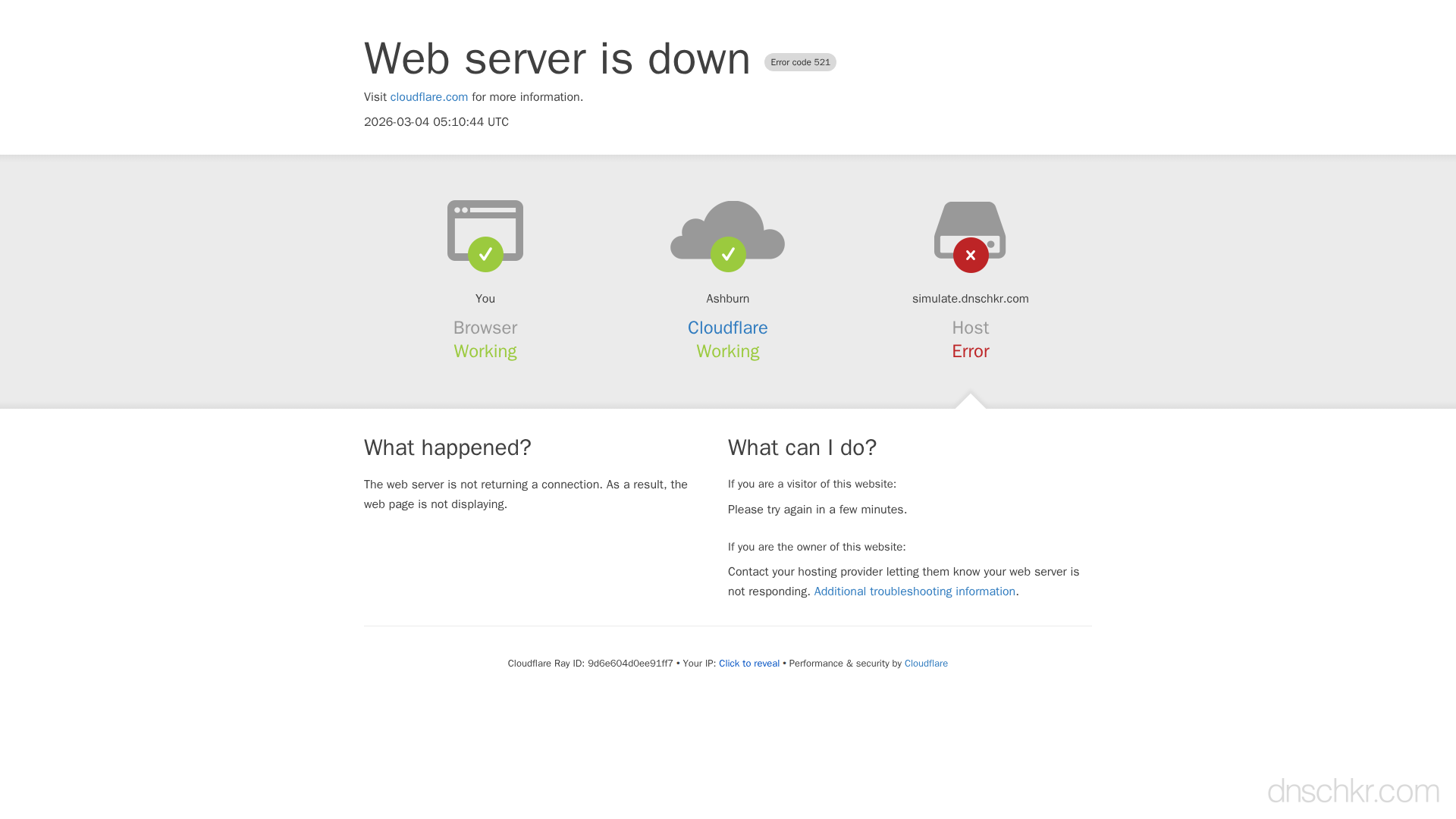
Error 521 means Cloudflare attempted to connect to the origin server, but the connection was actively refused. The origin server is either completely down, not listening on the correct port (80 for HTTP, 443 for HTTPS), or explicitly blocking Cloudflare's IP addresses. Unlike error 522 (timeout), 521 gets an immediate rejection, the origin is reachable at the network level but no web server is responding.
What Cloudflare Error 521 Looks Like
Status
Error 521: Web Server Is DownExample
Request
GET /dashboard HTTP/1.1
Host: www.example.com
User-Agent: Mozilla/5.0
Accept: text/html
Response
HTTP/1.1 521 Web Server Is Down
Server: cloudflare
CF-RAY: 7b2c3d4e5f6a7890-LHR
Content-Type: text/html

<!doctype html>
<html>
<head>
  <title>www.example.com | 521: Web server is down</title>
</head>
<body>
  <h1>Error 521: Web server is down</h1>
  <p>The web server is not returning a connection. As a result, the web page is not displaying.</p>
</body>
</html>
How to Troubleshoot
1
Verify the web server is running
SSH into your server and check if the web server process is running. Restart it if needed.
systemctl status nginx # or: systemctl status apache2 / httpd
2
Check that the server listens on the correct ports
Verify your web server is listening on port 80 (HTTP) and/or 443 (HTTPS) depending on your Cloudflare SSL mode.
Scan Ports3
Test connectivity from outside
Use a port scanner to check if ports 80 and 443 are open on your origin server from the internet.
curl -v --connect-timeout 5 http://YOUR_ORIGIN_IP/
4
Whitelist Cloudflare IP ranges in your firewall
If you use iptables, ufw, or fail2ban, add rules to allow traffic from all Cloudflare IP ranges. Check cloudflare.com/ips for the current list.
5
Check your hosting provider status
Contact your hosting provider to ensure your account is active and the server is not suspended or undergoing maintenance.
Common Causes
Origin web server is not running
highThe web server process (Nginx, Apache, LiteSpeed, IIS) has stopped, crashed, or failed to start. The server itself may be running, but the web server software is not.
Web server is listening on the wrong port
highIf Cloudflare's SSL mode is Full or Full (Strict), it connects to port 443. If your web server is only listening on port 80, the connection is refused on 443.
Firewall is blocking Cloudflare IP addresses
mediumiptables, ufw, fail2ban, or a hosting provider's firewall may be blocking Cloudflare's IP ranges, causing immediate connection refusal.
Hosting provider has suspended the account
lowShared hosting providers may suspend accounts for exceeding resource limits, unpaid invoices, or policy violations, which takes the web server offline.
Quick Diagnostics
Related Error Codes
520
Web Server Returns an Unknown Error
Cloudflare received an empty, unknown, or unexpected response from the origin server.
522
Connection Timed Out
Cloudflare's TCP connection to the origin server timed out.
523
Origin Is Unreachable
Cloudflare cannot reach the origin server because DNS resolution failed or the origin IP is unreachable.
Frequently Asked Questions

This reference was compiled from official RFCs, protocol specifications, and hands-on troubleshooting experience. AI tools were used primarily for formatting and organizing the content on the page.