523 Origin Is Unreachable523
HTTP 523criticalOrigin Error
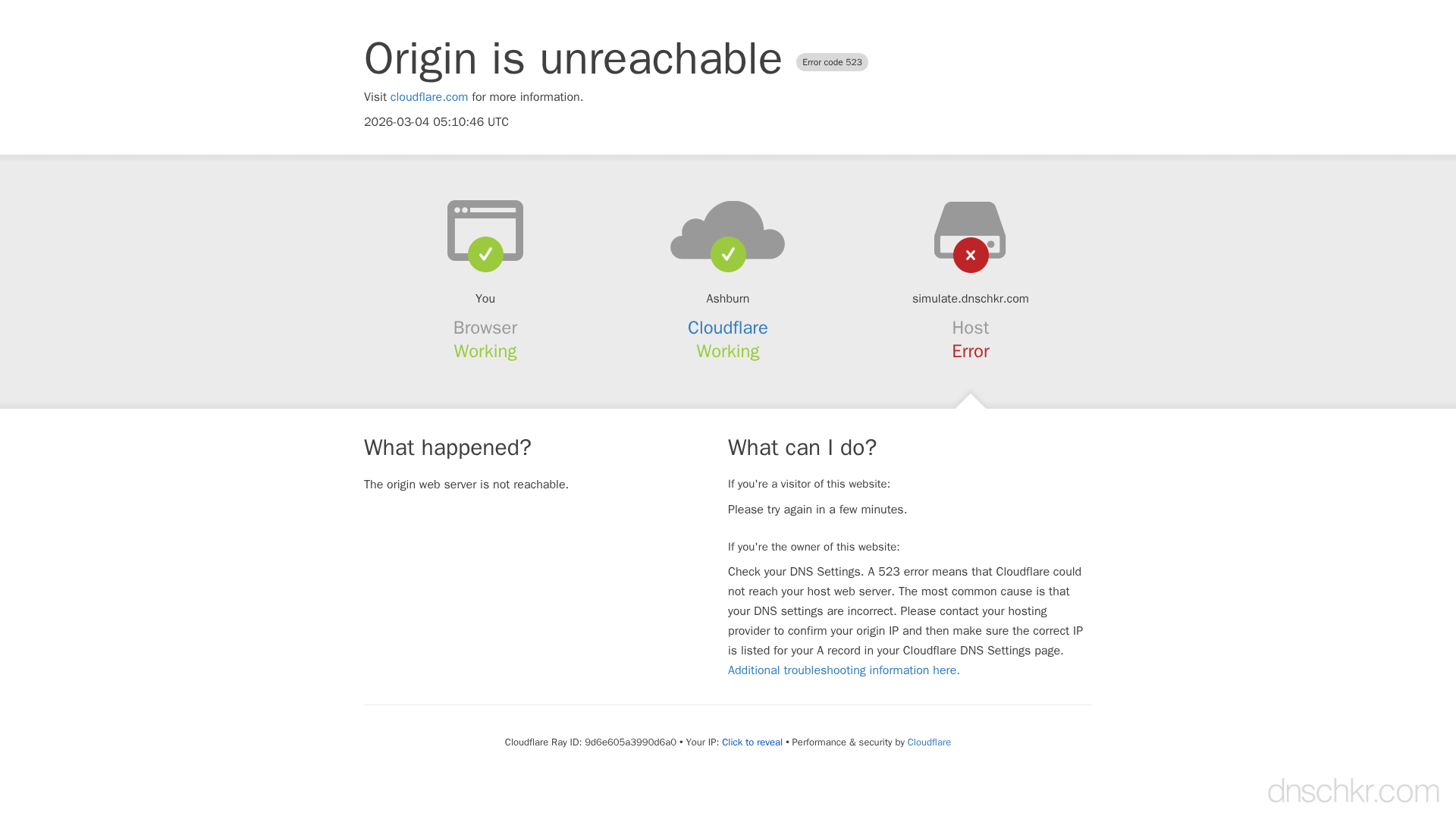
Error 523 indicates that Cloudflare could not resolve the origin server's address or route to it at all. This differs from 522 (timeout) in that the connection attempt never even starts, the origin is fundamentally unreachable. This typically happens when DNS records in Cloudflare point to an invalid or non-routable IP, the origin server is completely offline, or there is a network-level issue preventing any connectivity.
What Cloudflare Error 523 Looks Like
Status
Error 523: Origin Is UnreachableExample
Request
GET /shop HTTP/1.1
Host: www.example.com
User-Agent: Mozilla/5.0
Accept: text/html
Response
HTTP/1.1 523 Origin Is Unreachable
Server: cloudflare
CF-RAY: 7d4e5f6a7b8c9012-ORD
Content-Type: text/html

<!doctype html>
<html>
<head>
  <title>www.example.com | 523: Origin is unreachable</title>
</head>
<body>
  <h1>Error 523: Origin is unreachable</h1>
  <p>Cloudflare cannot reach the origin web server. Please check your DNS settings.</p>
</body>
</html>
How to Troubleshoot
1
Verify your DNS records in Cloudflare
Check that your A/AAAA records point to a valid, reachable IP. If you recently changed hosting, update the IP.
Check DNS Records2
Ping the origin IP from multiple locations
Check if the origin IP responds to ICMP from different geographic locations to rule out routing issues.
Check Propagation3
Contact your hosting provider
Verify that your server is online and the IP address is still assigned to your account. Ask if any network changes or DDoS mitigations have been applied.
4
Check for null-routing
If your server was recently under DDoS attack, the hosting provider may have null-routed (blackholed) the IP. You may need a new IP or to wait for the mitigation to be lifted.
Common Causes
DNS records point to an invalid or non-existent IP
highThe A or AAAA record in Cloudflare is set to an IP address that does not exist, is not assigned to any server, or belongs to a decommissioned machine.
Origin server is completely down
highThe entire server (not just the web server) is powered off, crashed, or has been terminated by the hosting provider.
Network routing failure
mediumThe origin's IP is unroutable due to BGP issues, the IP has been null-routed by the hosting provider (often as a DDoS mitigation measure), or there is a major datacenter outage.
Cloudflare DNS misconfiguration
lowCNAME records that chain to non-existent hostnames, or the origin hostname cannot be resolved.
Quick Diagnostics
Related Error Codes
521
Web Server Is Down
The origin web server refused or is not accepting connections from Cloudflare.
522
Connection Timed Out
Cloudflare's TCP connection to the origin server timed out.
530
Origin DNS Error
A 530 error is returned alongside a 1016 error when Cloudflare cannot resolve the origin server's DNS.
Frequently Asked Questions

This reference was compiled from official RFCs, protocol specifications, and hands-on troubleshooting experience. AI tools were used primarily for formatting and organizing the content on the page.