
ERR_SSL_PINNED_KEY_NOT_IN_CERT_CHAIN Pinned Key Not in Certificate ChainERR_SSL_PINNED_KEY_NOT_IN_CERT_CHAIN
criticalBrowser Error
ERR_SSL_PINNED_KEY_NOT_IN_CERT_CHAIN occurs when the browser has a record of which public keys should appear in the server's certificate chain, and the current certificate chain does not match any of them. This was originally related to HTTP Public Key Pinning (HPKP), a now-deprecated security mechanism that allowed sites to pin specific public keys. While HPKP is no longer recommended and Chrome removed support for site-set pins, some browsers still enforce built-in pins for high-profile domains (like Google, Mozilla, and other browser vendors). This error can also appear when HTTPS inspection proxies or corporate firewalls replace the certificate chain with their own, breaking the pin validation.
What This SSL Error Looks Like in Chrome
Status
ERR_SSL_PINNED_KEY_NOT_IN_CERT_CHAIN: Pinned Key Not in Certificate ChainExample
Browser Error Message
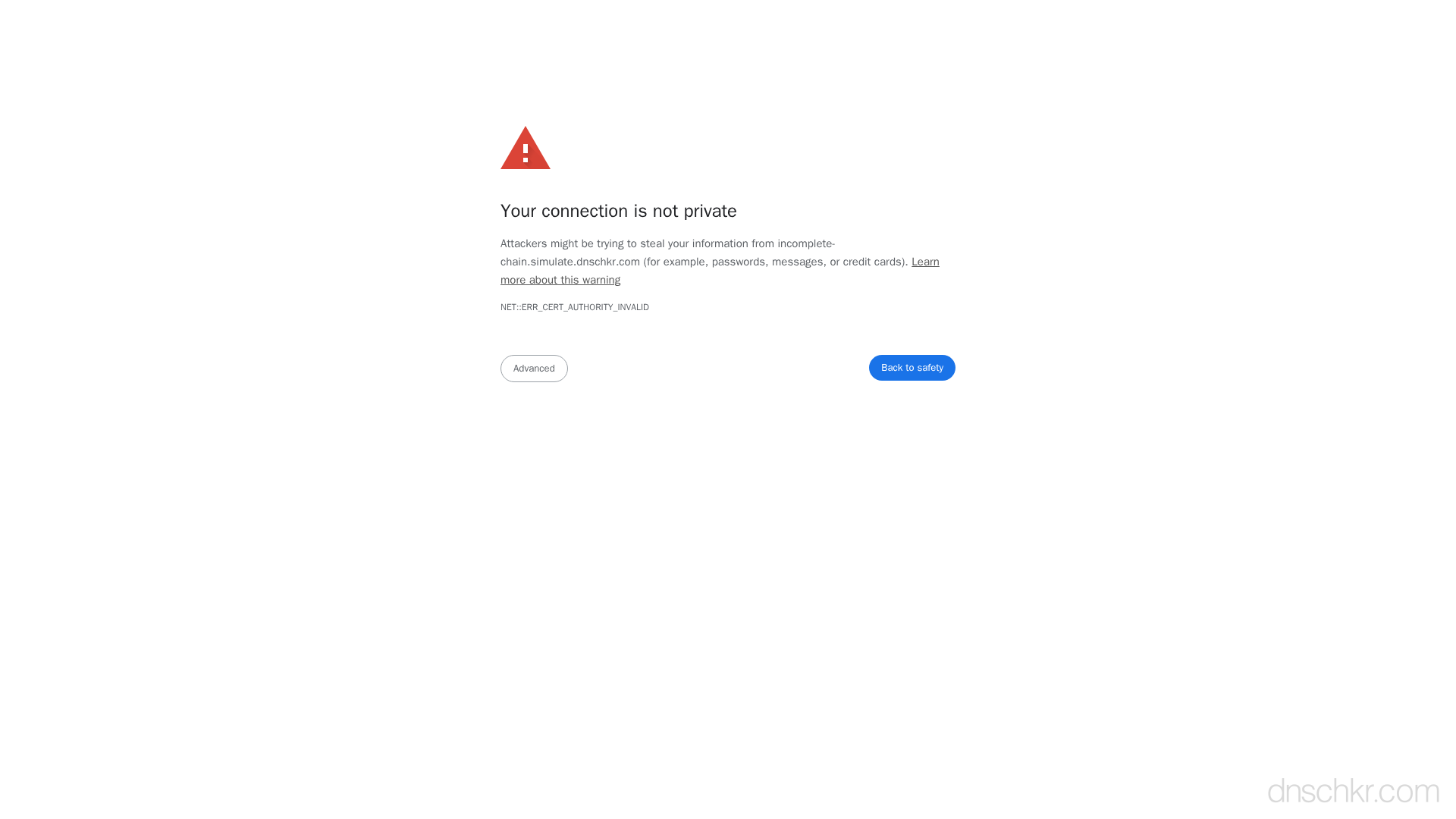
Your connection is not private

Attackers might be trying to steal your information from www.example.com (for example, passwords, messages, or credit cards).

NET::ERR_SSL_PINNED_KEY_NOT_IN_CERT_CHAIN

This server could not prove that it is www.example.com; its security certificate does not include a valid public key from the pinned set.
How to Troubleshoot
1
Check for HTTPS interception
Examine the certificate issuer in your browser. If the issuer is your corporate firewall, antivirus software, or a proxy appliance rather than a well-known CA, the connection is being intercepted. Click the lock icon in the address bar and inspect the certificate details.
2
Disable antivirus HTTPS scanning
If antivirus software is intercepting HTTPS connections (common with Avast, Kaspersky, ESET), disable the HTTPS/SSL scanning feature in the antivirus settings. This stops it from replacing certificates.
3
Try from a different network
Access the site from a personal device on a different network (like mobile data) to determine if the issue is caused by network-level HTTPS inspection rather than a server-side problem.
4
Inspect the certificate chain
Compare the actual certificate chain with what the server should be presenting. For built-in pins, the leaf or intermediate key must match the expected pin.
openssl s_client -connect yourdomain.com:443 -servername yourdomain.com 2>/dev/null | openssl x509 -pubkey -noout | openssl pkey -pubin -outform der | openssl dgst -sha256 -binary | base64
Common Causes
HTTPS interception by corporate proxy or antivirus
highCorporate firewalls and some antivirus software intercept HTTPS traffic by replacing the server's certificate with their own. For pinned domains, this breaks pin validation because the proxy's certificate uses different keys than what the browser expects.
Certificate reissued with a different key pair
mediumIf a site previously deployed HPKP pins and then reissued their certificate with a new key pair that was not included in the pinset, all visitors who cached the pins will be locked out. This is one of the reasons HPKP was deprecated, it could cause self-inflicted denial of service.
Built-in browser pin mismatch
mediumFor a small set of high-profile domains, browsers have built-in key pins. If you see this error on domains like google.com, it usually indicates a man-in-the-middle attack or an HTTPS inspection proxy.
Related Error Codes
ERR_CERT_AUTHORITY_INVALID
Certificate Authority Invalid
The browser does not trust the Certificate Authority that signed the server's SSL certificate.
ERR_SSL_PROTOCOL_ERROR
SSL Protocol Error
The browser could not establish a secure connection because the SSL/TLS protocol negotiation failed.
bad_certificate (42)
Bad Certificate
A certificate in the TLS handshake was corrupt, contained invalid signatures, or could not be parsed.
Frequently Asked Questions

This reference was compiled from official RFCs, protocol specifications, and hands-on troubleshooting experience. AI tools were used primarily for formatting and organizing the content on the page.