
429 Too Many Requests429
HTTP 429 Too Many Requests means you have sent too many requests in a given time period and the server is rate-limiting you. The server should include a Retry-After response header telling you how many seconds to wait before sending another request, always check this header first. Rate limits protect servers from being overwhelmed and ensure fair usage across all clients. Limits may be per IP address, per API key, per user account, or per endpoint. Some APIs use multiple rate limit tiers (e.g., 100 requests/minute per endpoint and 10,000 requests/day per account). Many APIs also include rate limit headers in every response (X-RateLimit-Limit, X-RateLimit-Remaining, X-RateLimit-Reset) so you can track your usage proactively before hitting the limit.
What HTTP 429 Looks Like in a Browser
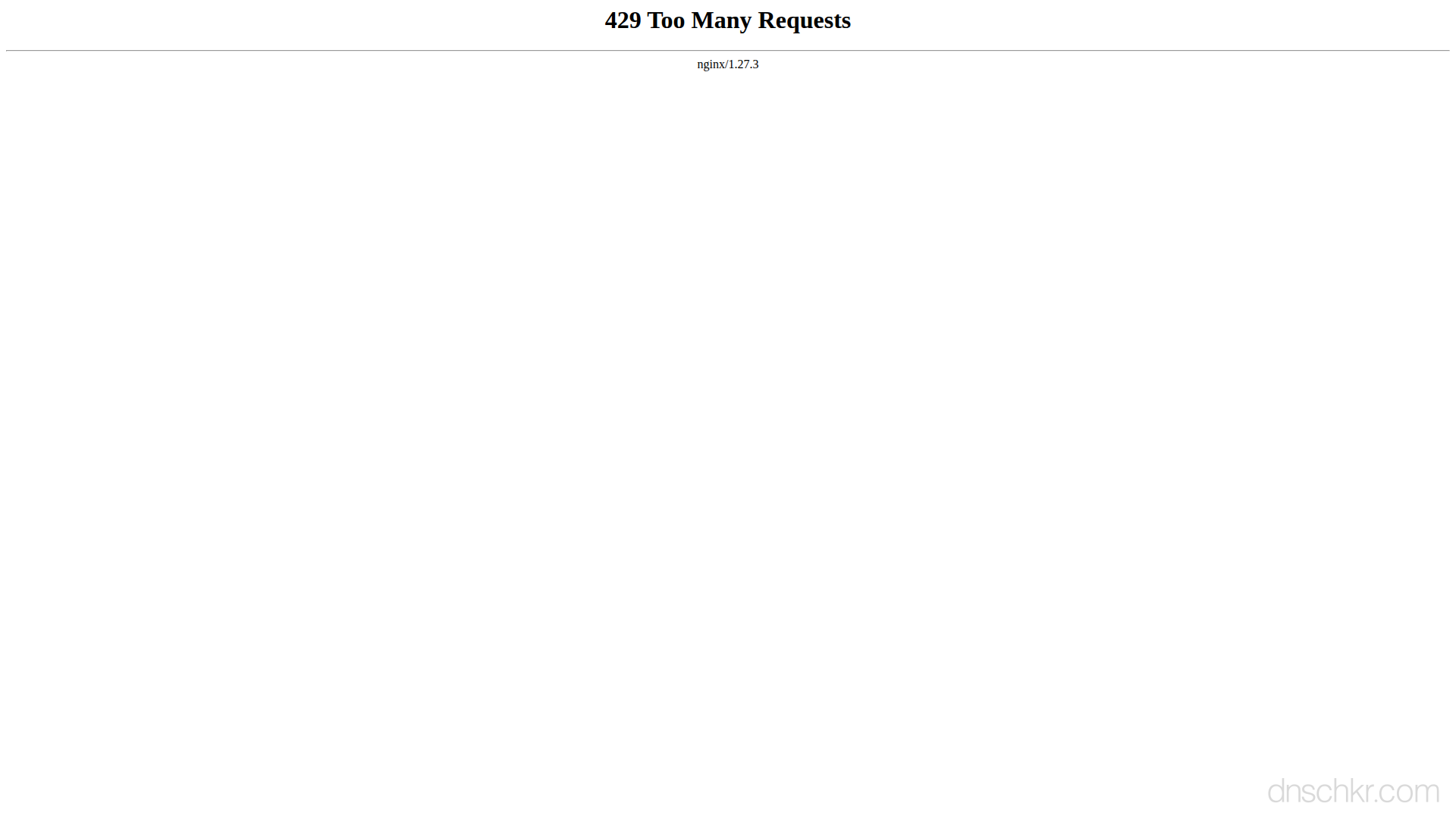
Status
429 Too Many RequestsExample
Request
GET /articles/latest HTTP/1.1
Host: www.example.com
User-Agent: Mozilla/5.0
Accept: text/html
Response
HTTP/1.1 429 Too Many Requests
Retry-After: 60
Content-Type: text/html; charset=utf-8

<!doctype html>
<html>
<body>
  <h1>429 Too Many Requests</h1>
  <p>You have been loading pages too quickly. Please wait a moment before trying again.</p>
</body>
</html>
How to Troubleshoot
1
Check the Retry-After and rate limit response headers
The 429 response should include a Retry-After header (seconds to wait or a date). Many APIs also include X-RateLimit-Limit, X-RateLimit-Remaining, and X-RateLimit-Reset headers. Check all of these to understand your limit, how much is left, and when it resets. The Retry-After value tells you exactly how long to wait before your next request.
curl -v https://api.example.com/v1/data 2>&1 | grep -i 'retry-after\|x-ratelimit\|ratelimit'
2
Implement exponential backoff with jitter
When you receive a 429, wait the amount of time in Retry-After before retrying. If there is no Retry-After header, use exponential backoff: wait 1 second, then 2, then 4, then 8, up to a maximum. Add random jitter (a random fraction of the wait time) to prevent multiple clients from retrying at the exact same moment. Most HTTP client libraries have built-in retry mechanisms, use them instead of writing your own.
# Example: retry with exponential backoff in bash:
for i in 1 2 4 8 16; do
  response=$(curl -s -o /dev/null -w '%{http_code}' https://api.example.com/v1/data)
  [ "$response" != "429" ] && break
  echo "Rate limited, waiting ${i}s..."
  sleep $i
done
3
Monitor your rate limit usage proactively
Do not wait for 429s, track your usage by reading rate limit headers from every response. When X-RateLimit-Remaining approaches zero, slow down your request rate. This way you never actually hit the limit. Log these headers in your application to understand your usage patterns over time.
# Check current rate limit status:
curl -s -D - https://api.example.com/v1/data -o /dev/null 2>&1 | grep -i 'x-ratelimit'
4
Cache responses to reduce API calls
Cache API responses so you do not make redundant requests for the same data. Use in-memory caching (Redis, Memcached) with a TTL matching the data freshness you need. For read-heavy workloads, this can reduce API calls by 90% or more. Also respect Cache-Control headers from the API, many APIs explicitly tell you how long responses can be cached.
5
Throttle and batch your requests
Instead of sending requests as fast as possible, add a delay between requests to stay under the rate limit. If the API allows 60 requests per minute, space requests 1 second apart. For batch operations, check if the API offers a batch endpoint that accepts multiple items in a single request, this is much more efficient than individual calls.
6
Upgrade your plan or request a higher rate limit
If you legitimately need more requests than the current limit allows, check the API provider's pricing for higher tiers. Many APIs offer higher limits on paid plans. Some providers also offer rate limit increases upon request, contact their support or developer relations team with your use case and expected volume.
Common Causes
API rate limit exceeded for your key or account
highYou have exceeded the API's request quota for the current time window. Most APIs enforce rate limits per API key or per authenticated account, for example, 60 requests per minute on the free tier or 1,000 per minute on a paid plan. The limits are typically documented in the API reference. Check the response headers for X-RateLimit-Limit (your max), X-RateLimit-Remaining (how many are left), and X-RateLimit-Reset (when the window resets, as a Unix timestamp or seconds).
Aggressive polling, scraping, or tight loops hitting the server
highYour code is sending requests too fast, common when polling an API in a tight loop without delays, scraping a website at maximum speed, or running concurrent requests without throttling. Even well-intentioned batch operations can trigger rate limits if they send hundreds of requests per second. This also happens during development when accidentally calling an API endpoint inside an infinite loop or re-render cycle.
Shared IP address triggers per-IP rate limit
mediumIf the rate limit is per IP address (common for unauthenticated APIs and CDNs), you may hit the limit because other users share your IP. This happens when using a corporate NAT, a shared VPN exit node, a cloud function with shared egress IPs (AWS Lambda, Vercel Serverless), or a proxy. Multiple applications on the same server calling the same API also share the IP quota.
DDoS protection or WAF throttling your requests
mediumA CDN like Cloudflare, AWS WAF, or a reverse proxy rate limiter is throttling your requests before they reach the application. These limits are often stricter and apply to all requests (not just API calls). They may trigger on specific patterns, too many requests to the same URL, too many POST requests, or request patterns that look like automated traffic.
Burst of retries after a failure amplifying the problem
mediumAfter a temporary error, your application retries all failed requests simultaneously, creating a burst that exceeds the rate limit. This 'thundering herd' effect is especially bad when multiple application instances all retry at the same time. Without exponential backoff and jitter, retries make the problem worse, each 429 triggers another immediate retry, which gets another 429.
Related Status Codes
References
| Specification | Section |
|---|---|
| Additional HTTP Status Codes | RFC 6585 §4 |
Frequently Asked Questions

This reference was compiled from official RFCs, protocol specifications, and hands-on troubleshooting experience. AI tools were used primarily for formatting and organizing the content on the page.